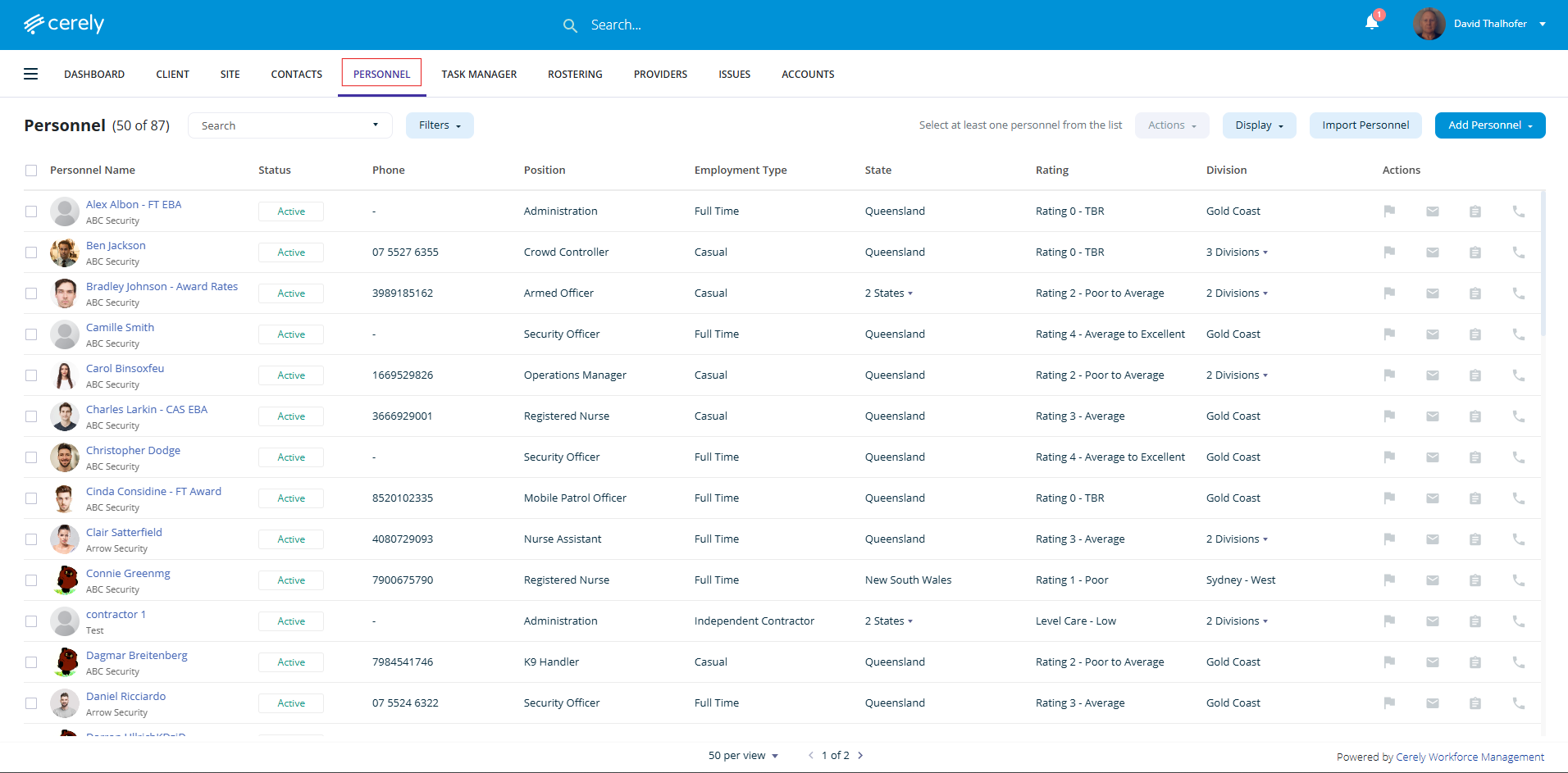
1. From the home screen in Cerely, click on the Personnel tab from the Cerely top main menu
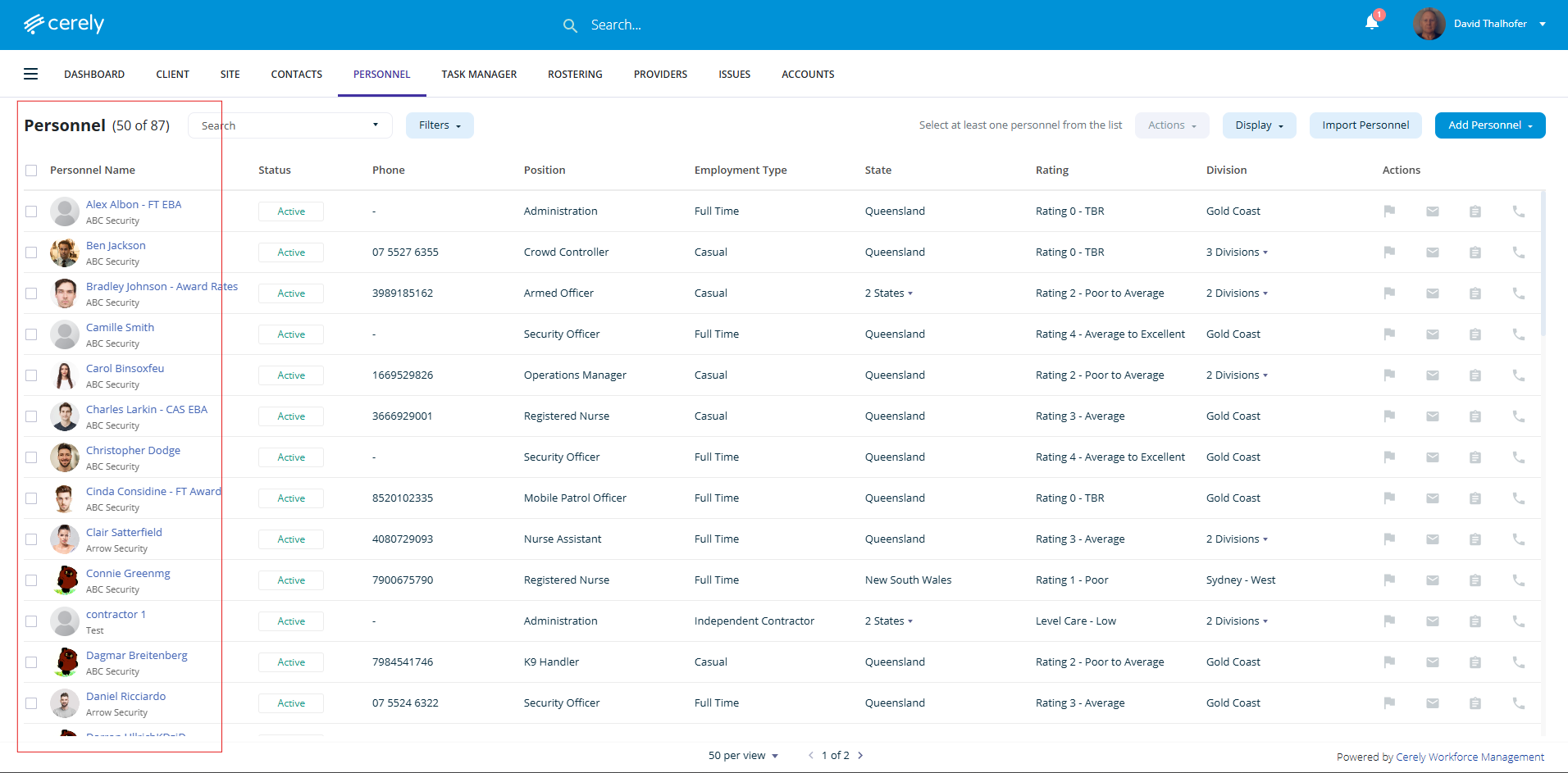
2. From the list of employees, select the employee you want to add an emergency contact for
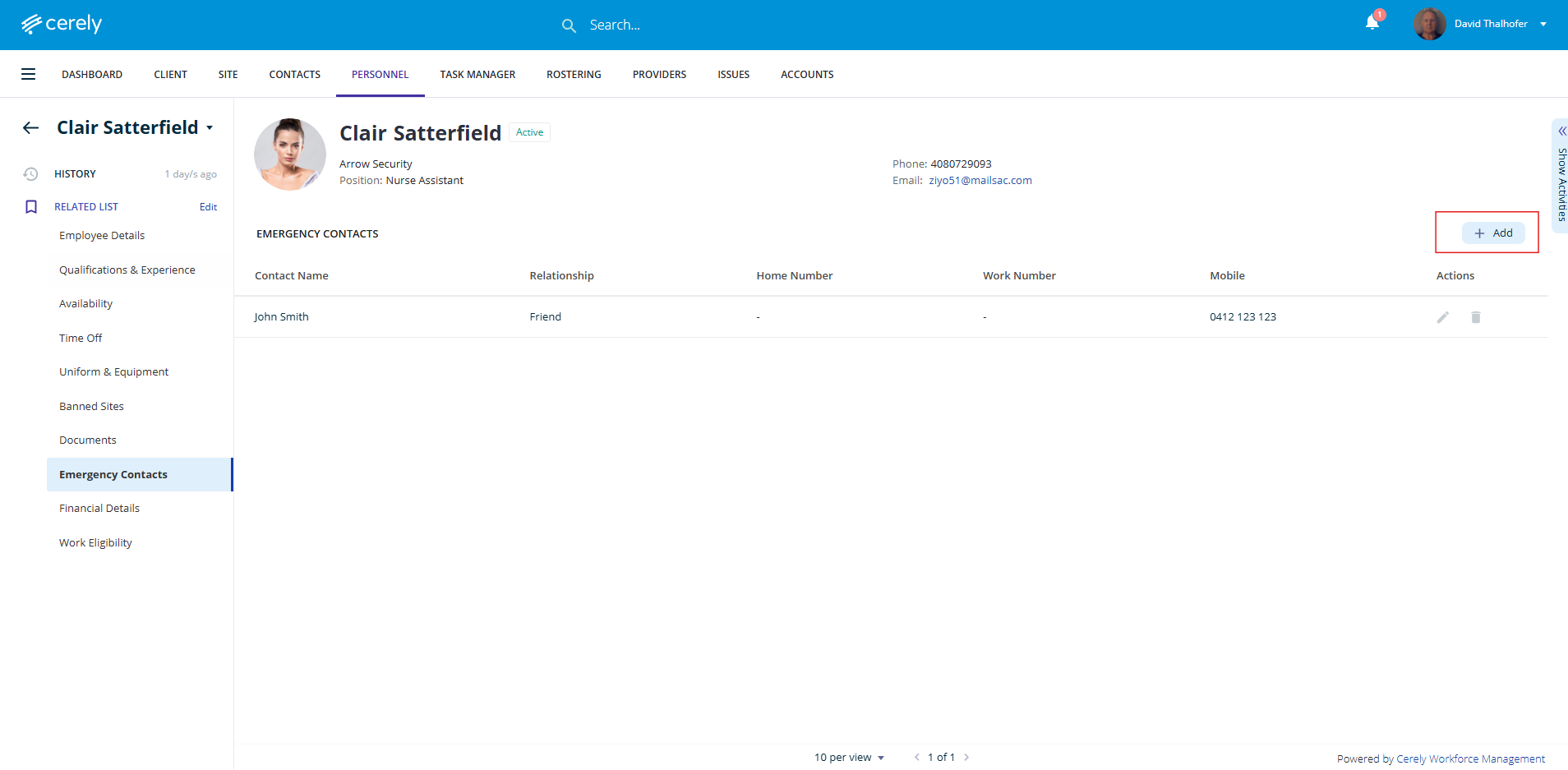
3. On the left-hand side menu, click Emergency Contacts
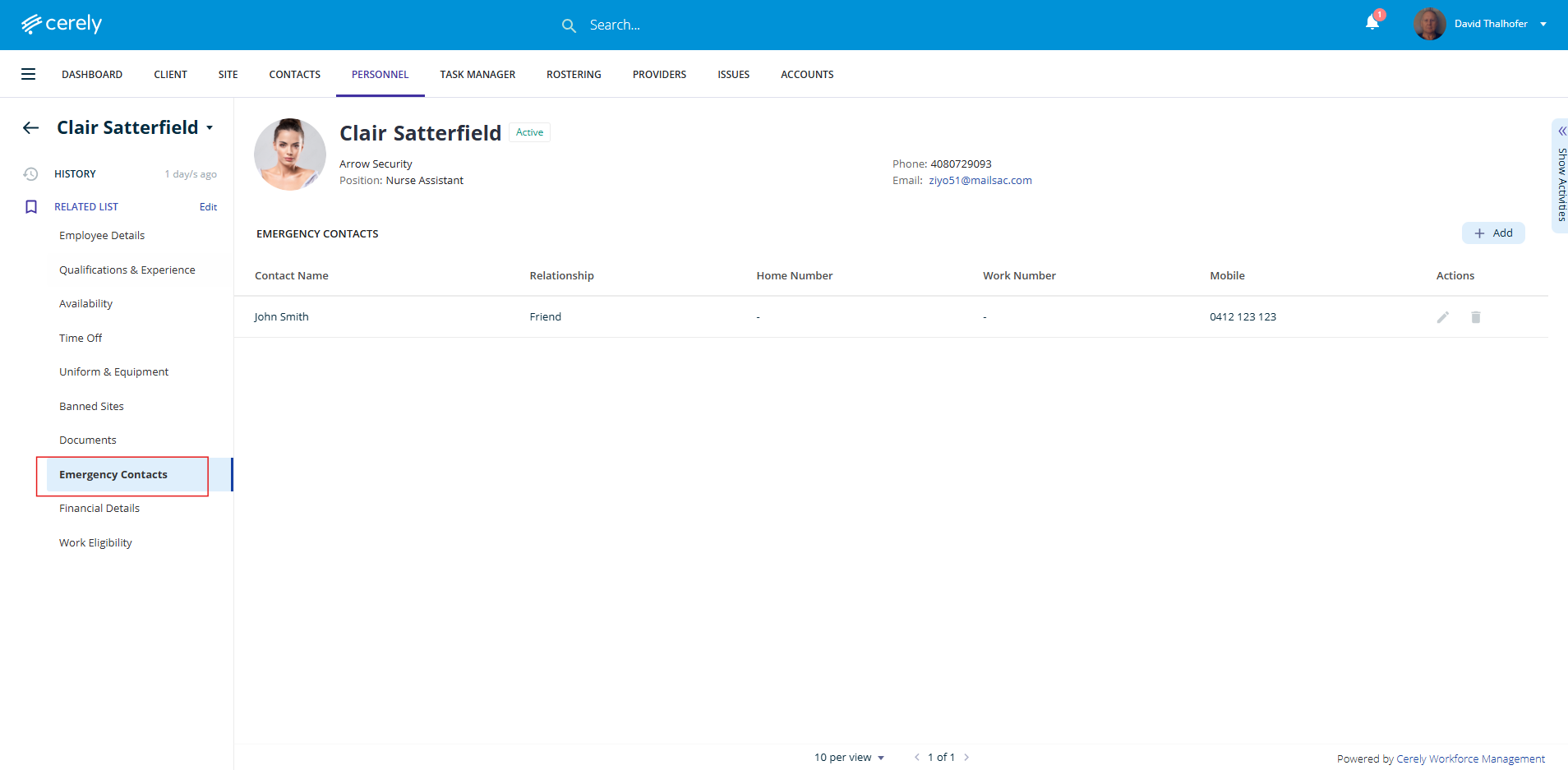
4. Click the + Add Emergency Contact button
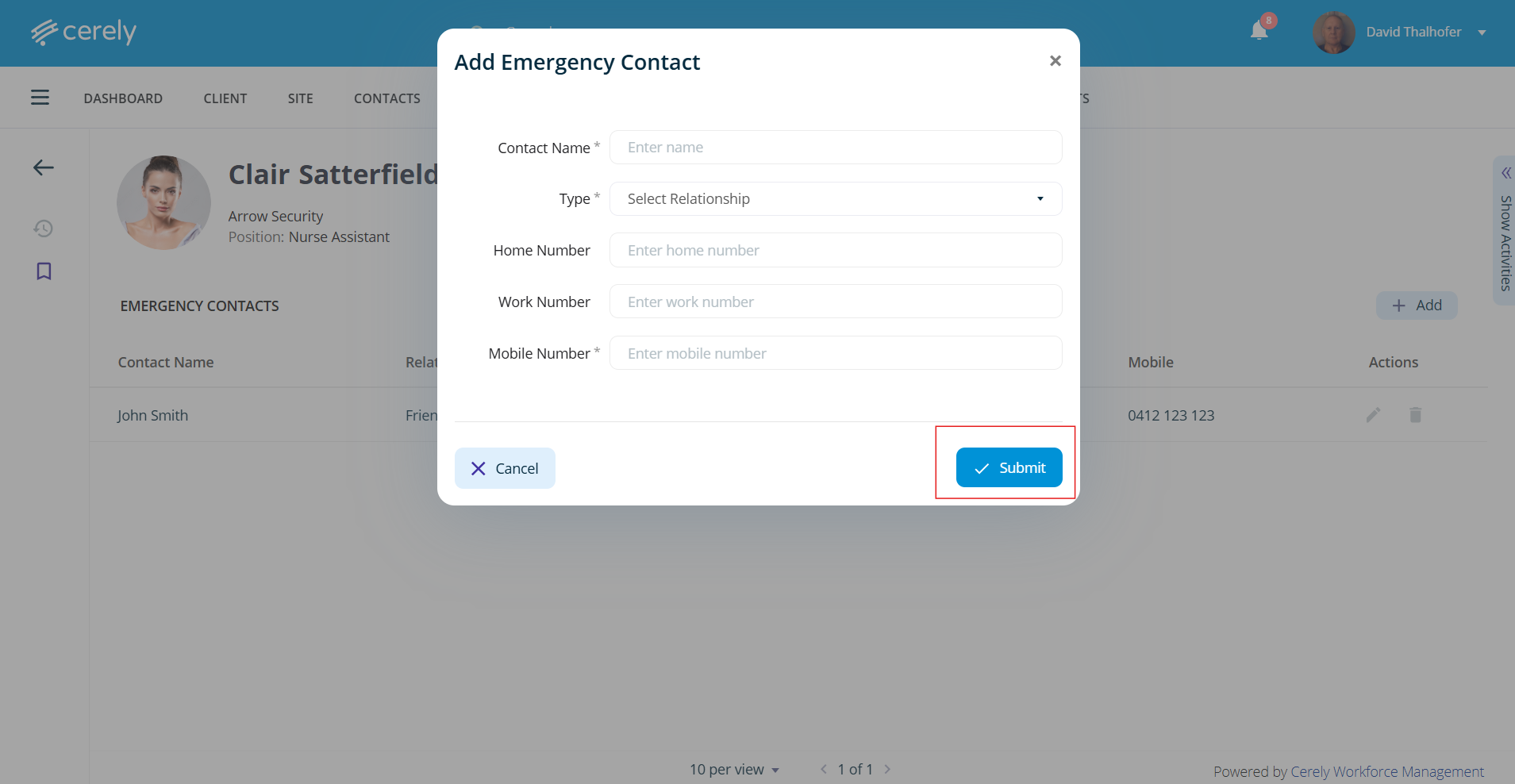
5. Enter the following details:
- Contact Name
- Relationship (e.g. Partner, Parent, Friend)
- Phone/Mobile Number(s)
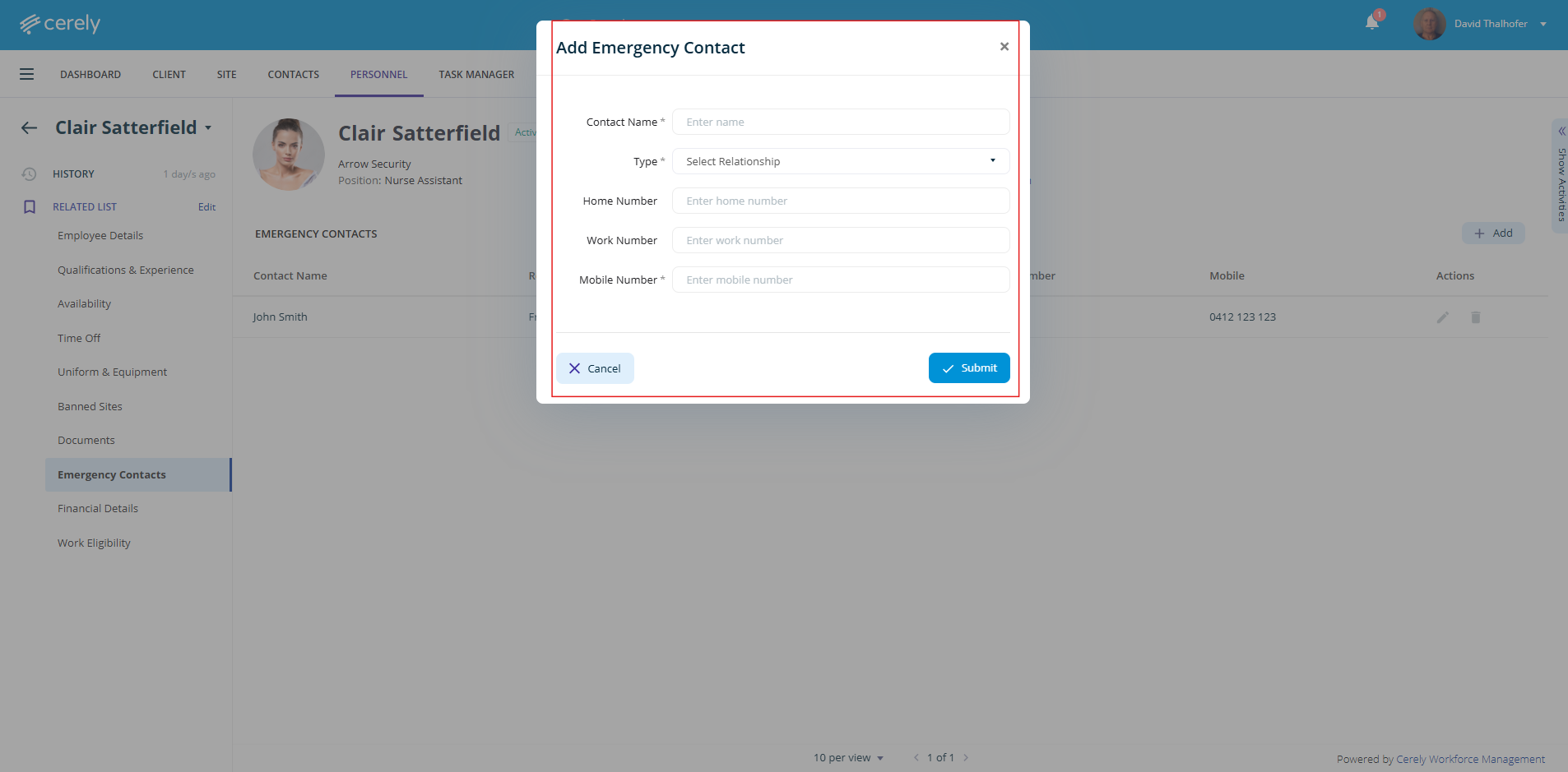
6. Click the Submit button to add the emergency contact