
1. From the home screen in Cerely, click on the Personnel tab from the Cerely top main menu
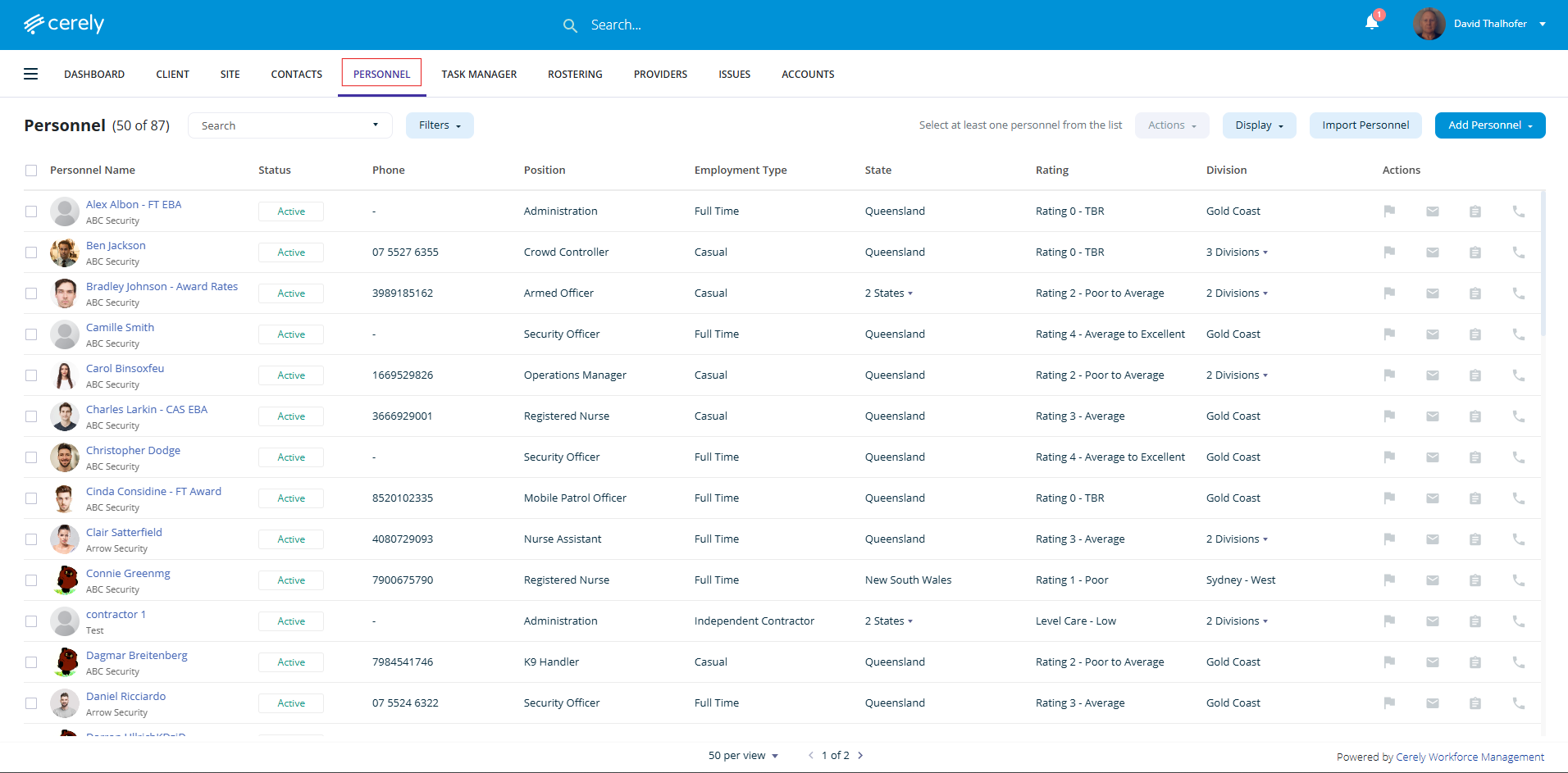
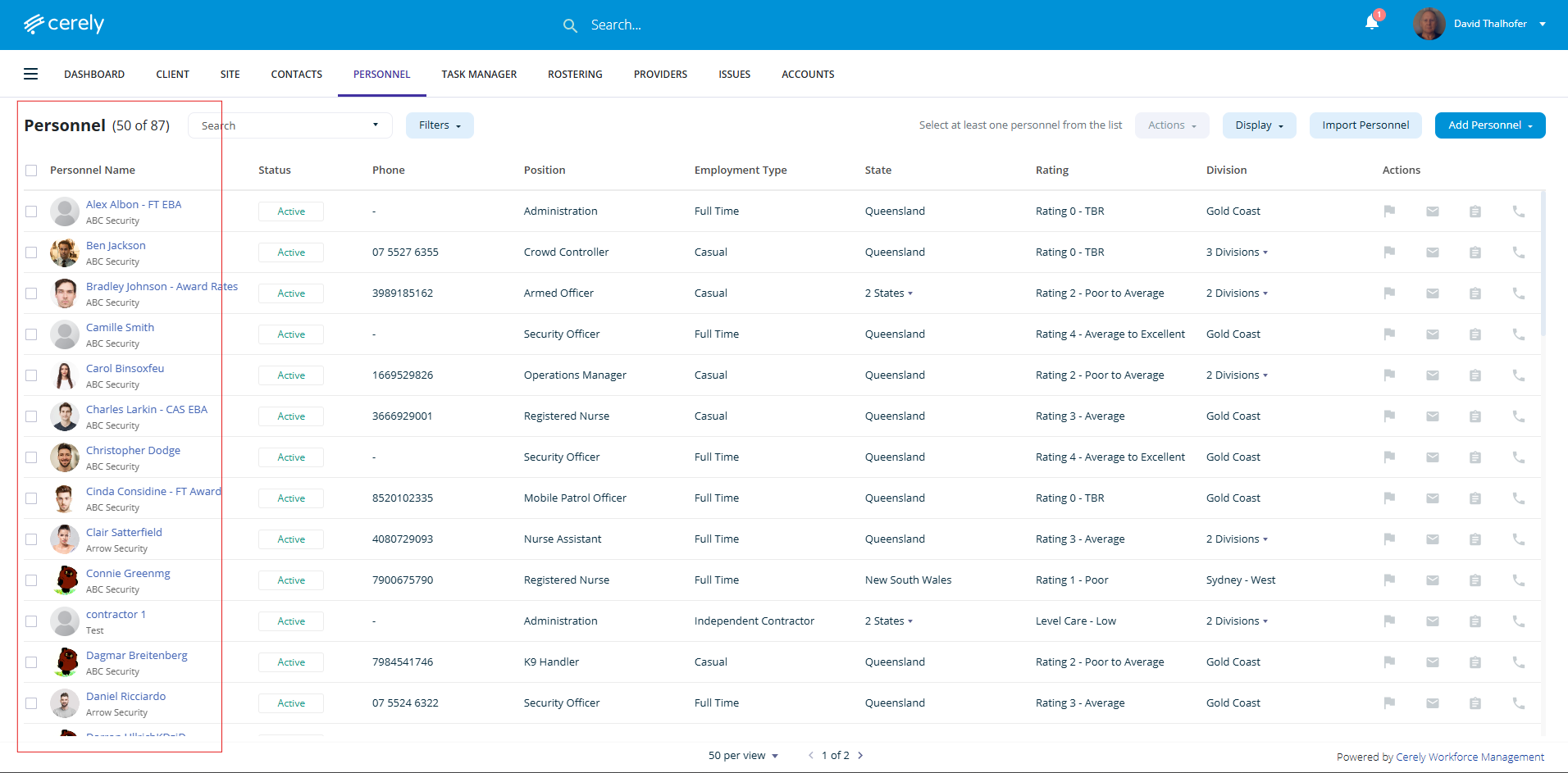
2. From the list of employees, Select the employee whose emergency contact you want to update
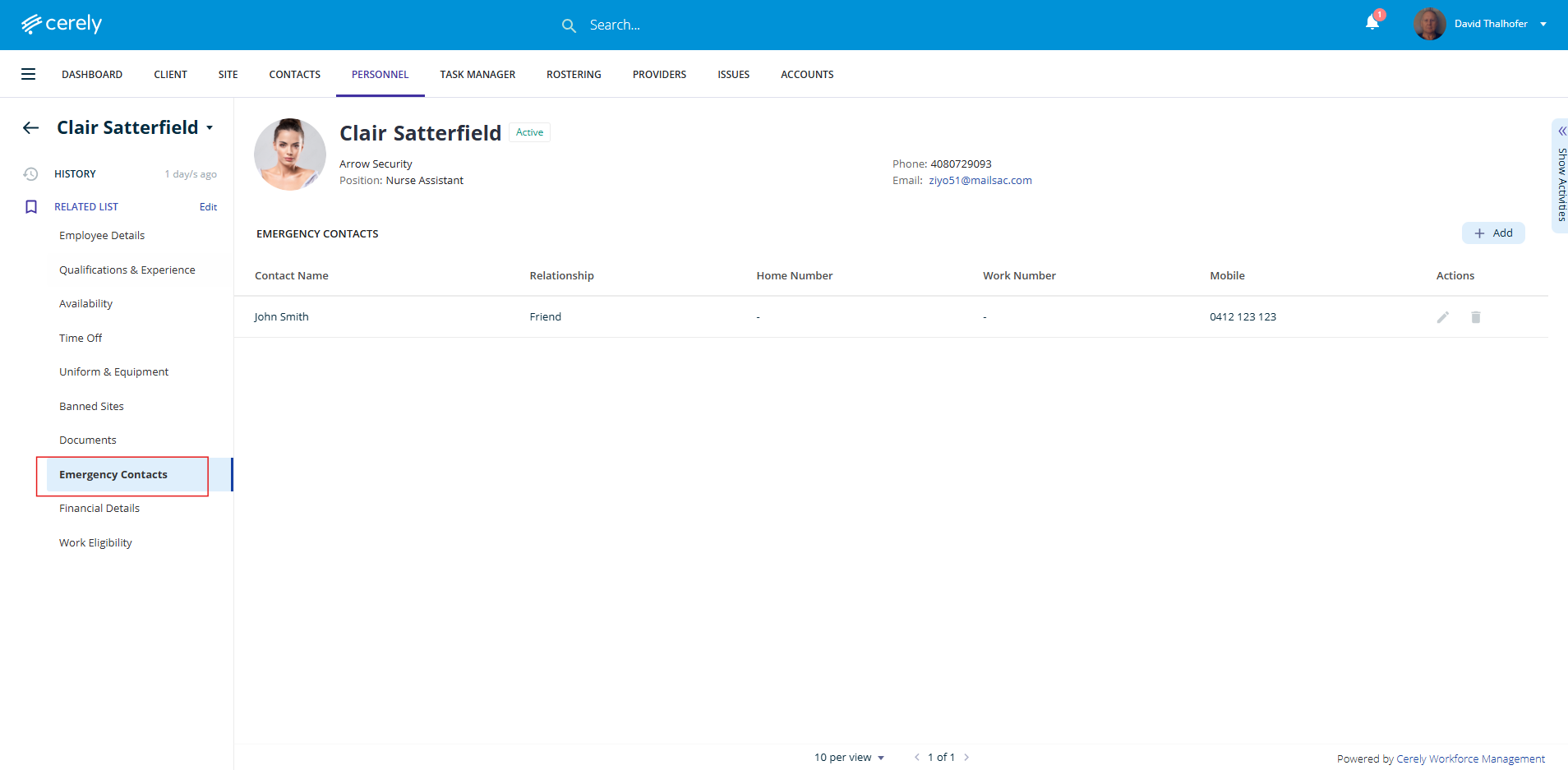
3. On the left-hand side menu, click Emergency Contacts
4. Locate the emergency contact you want to edit
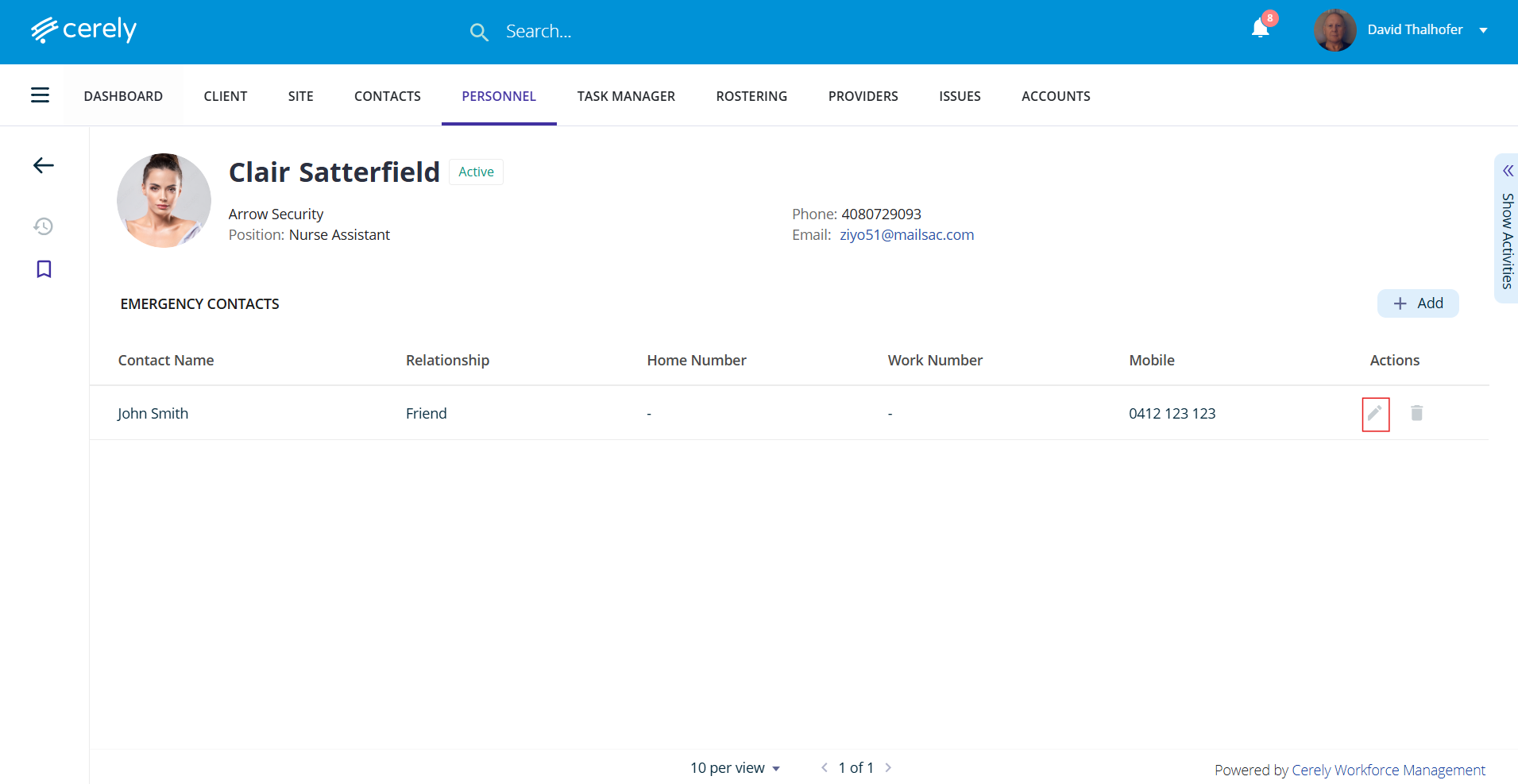
5. Click on the Edit icon next to the contact and update any of the following details:
- Contact Name
- Relationship (e.g. Partner, Parent, Friend)
- Phone/Mobile Number(s)
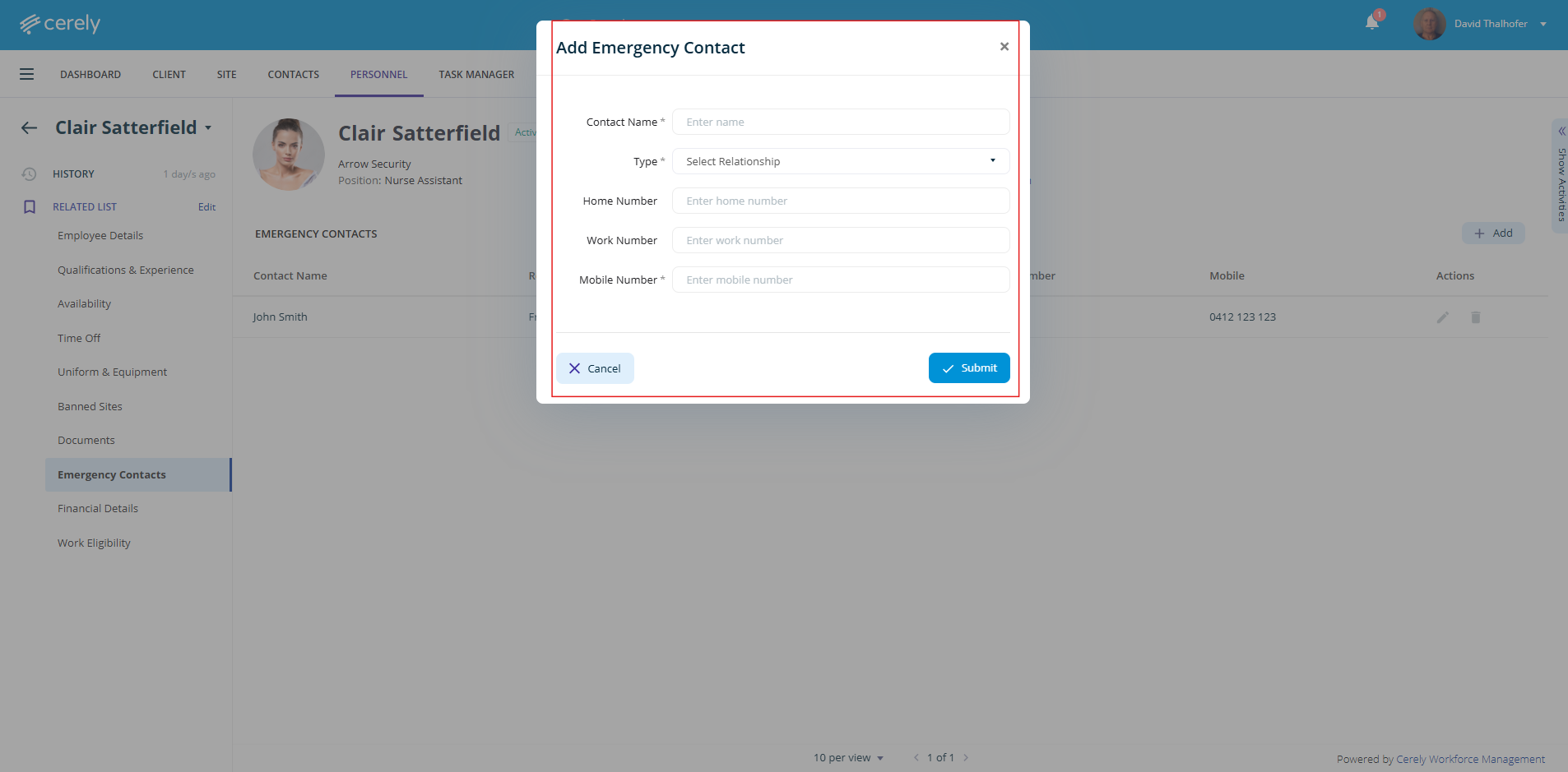
6. Click on the Submit button to apply the changes