
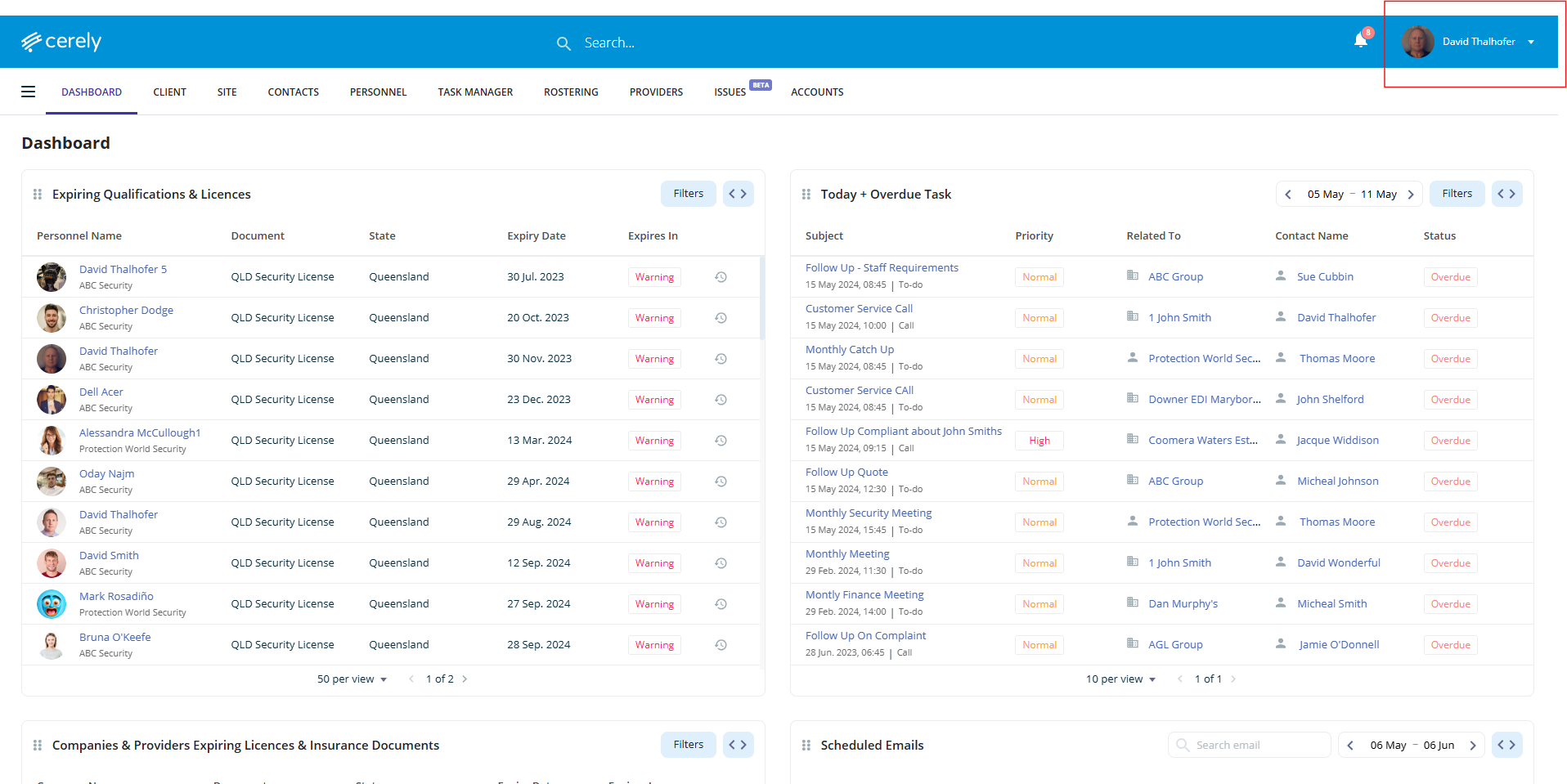
1. From the main menu, click your Profile Icon in the top right-hand corner
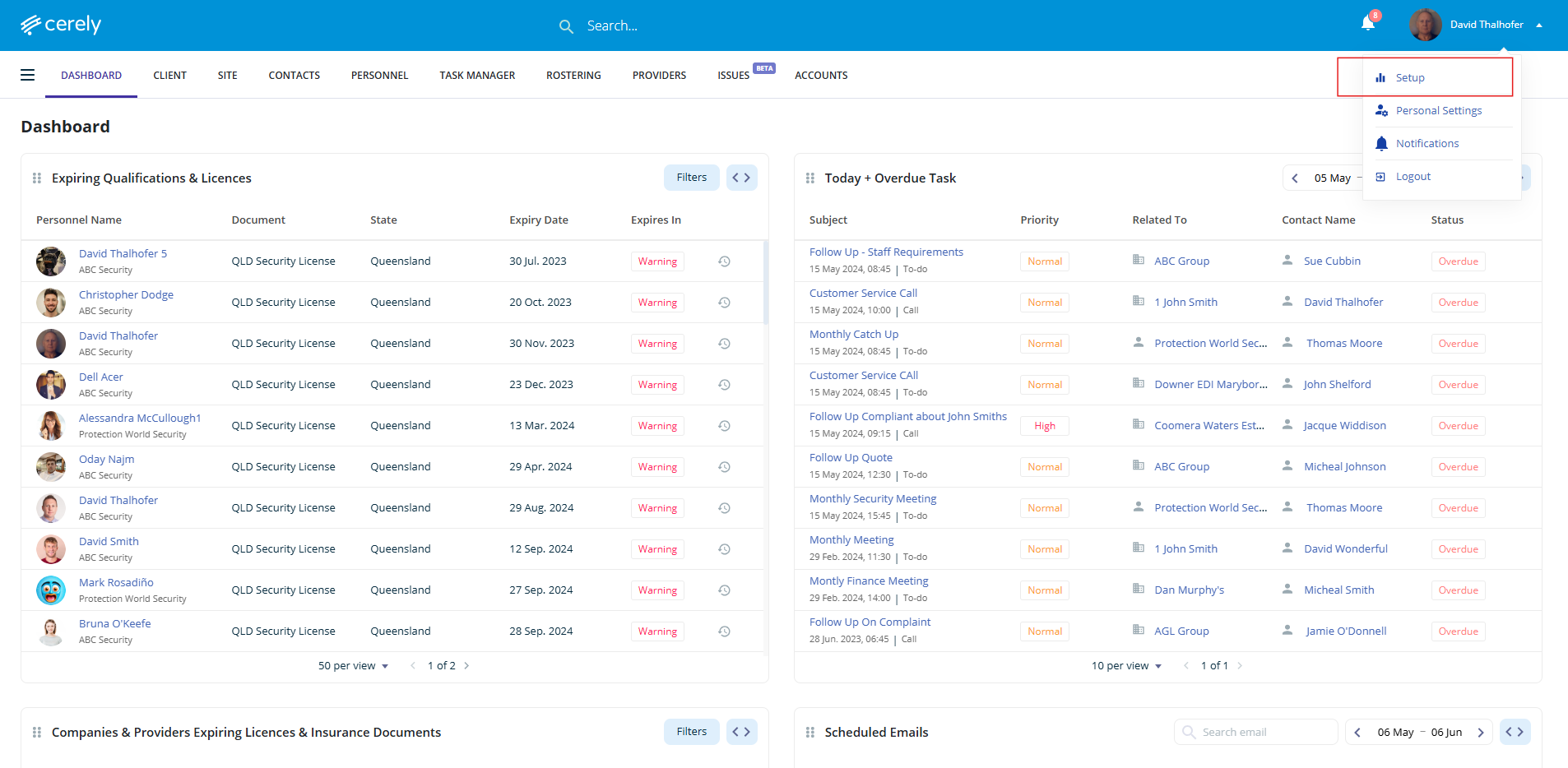
2. Click on Setup from the dropdown menu
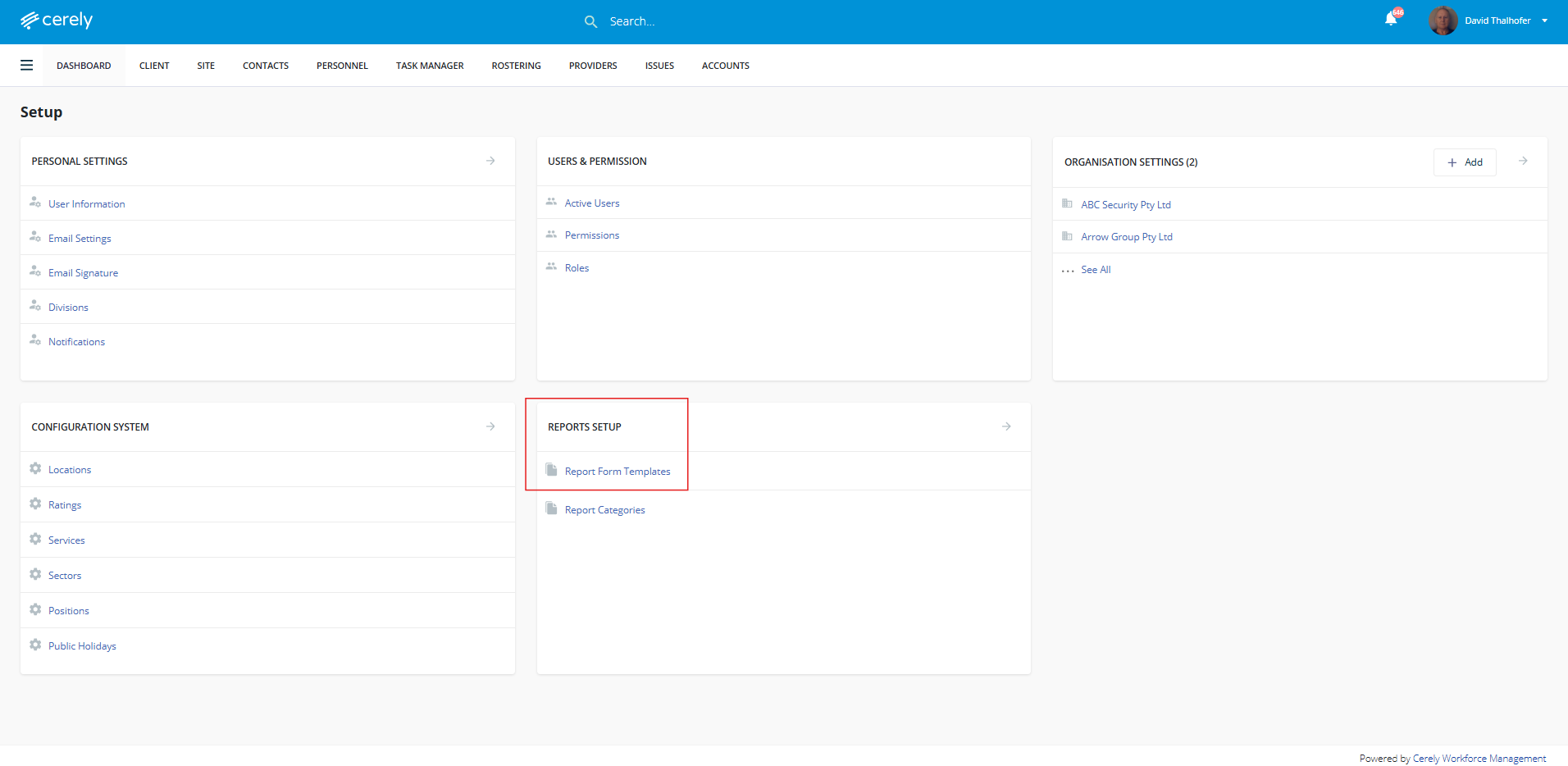
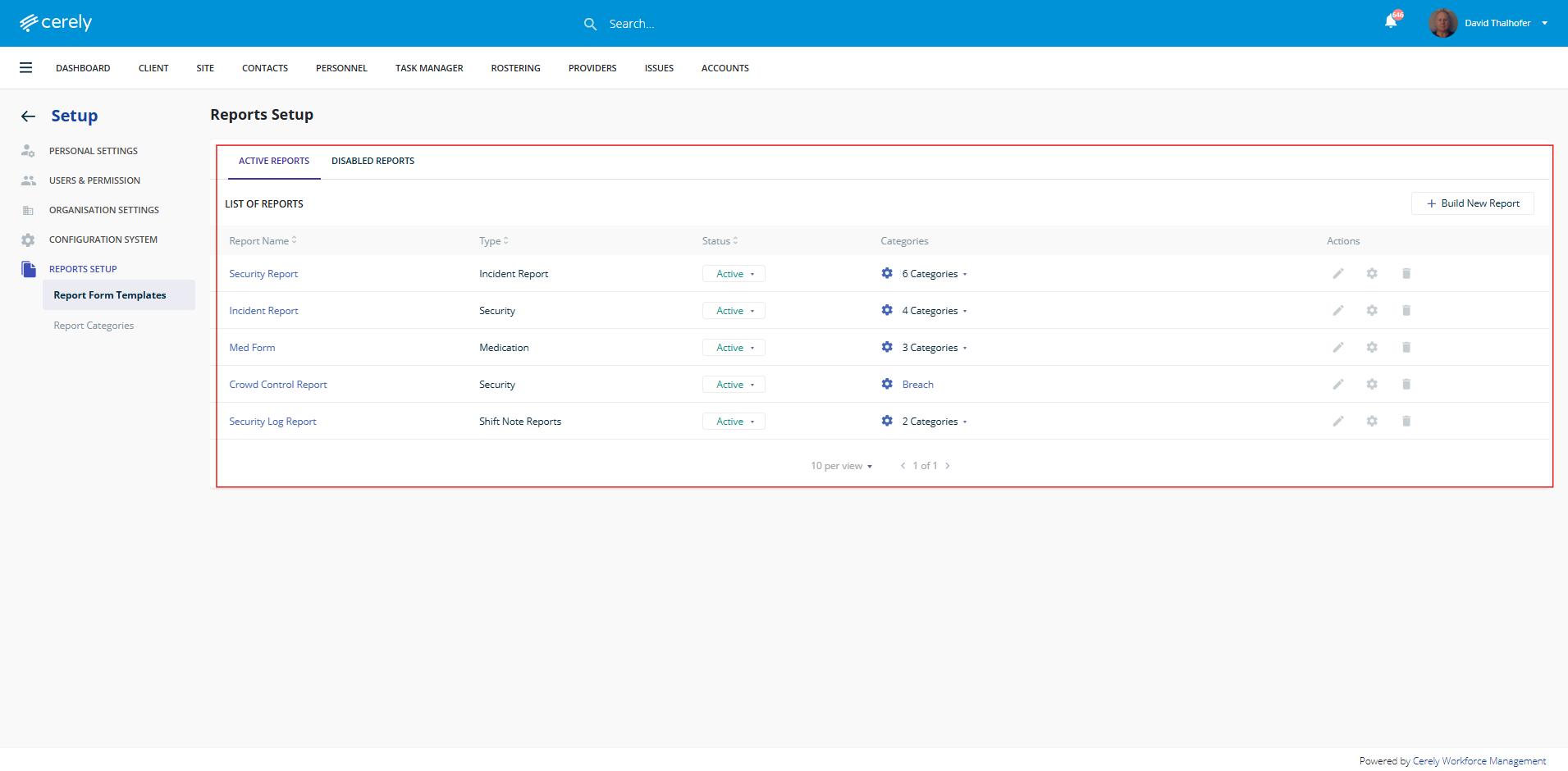
3. Click on Report Form Templates under Report Setup tab
-
A default report called Security Report (used as an Incident Report) is already available for use or customisation
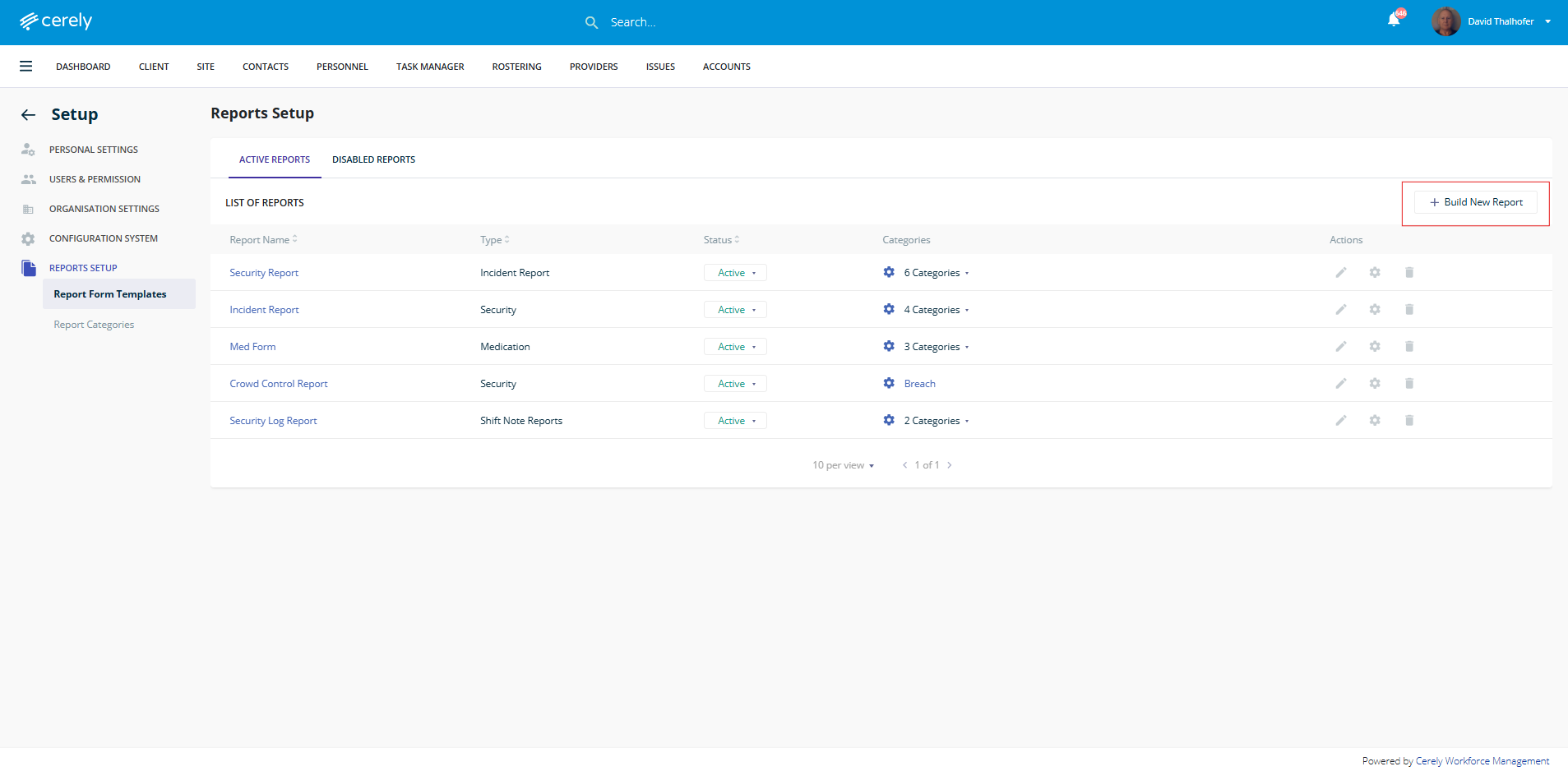
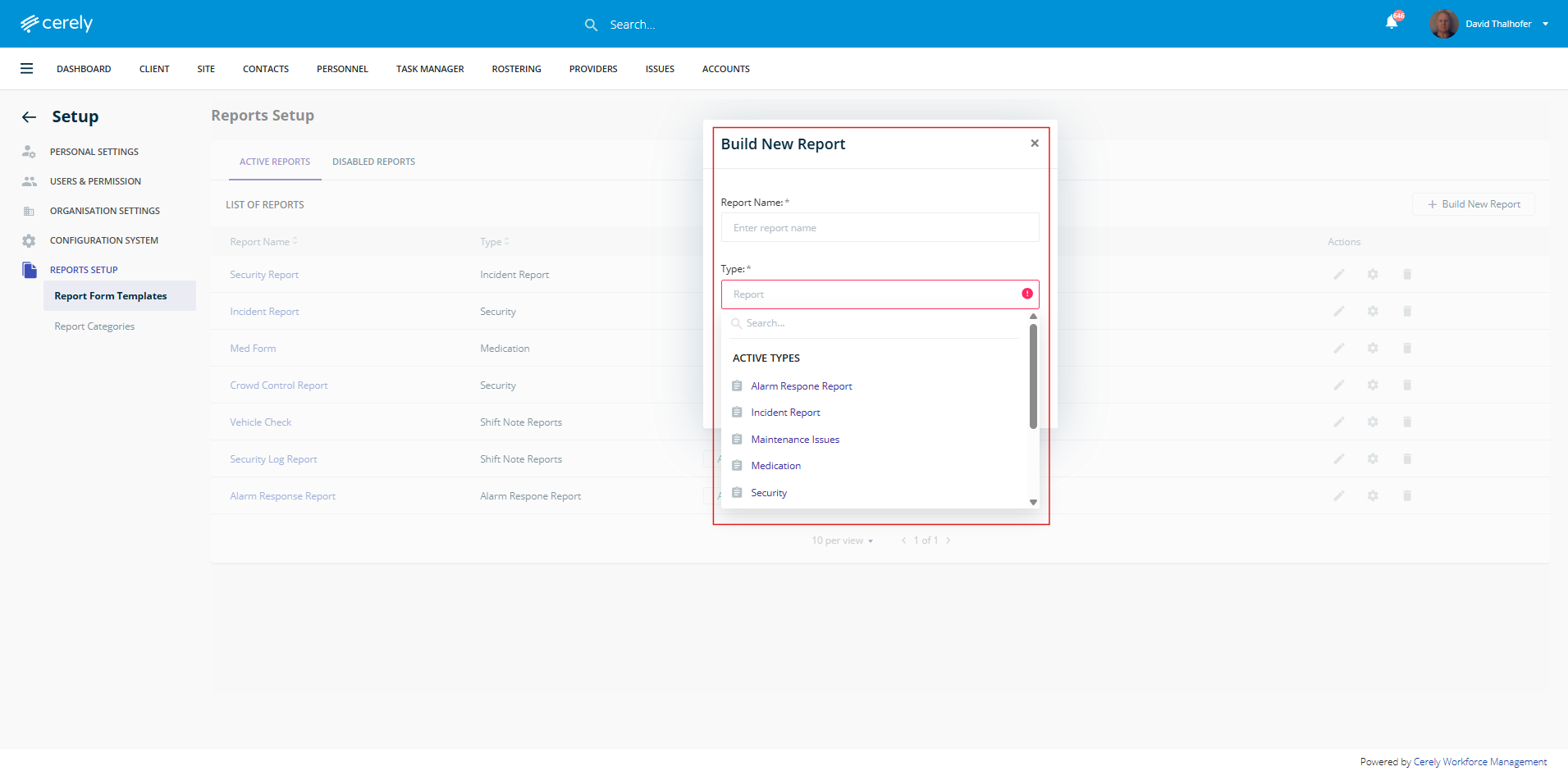
4. To create a new report template click on + Build New Report
5. Enter a Report Name and select a Type of Report from the dropdown or create a new report type category
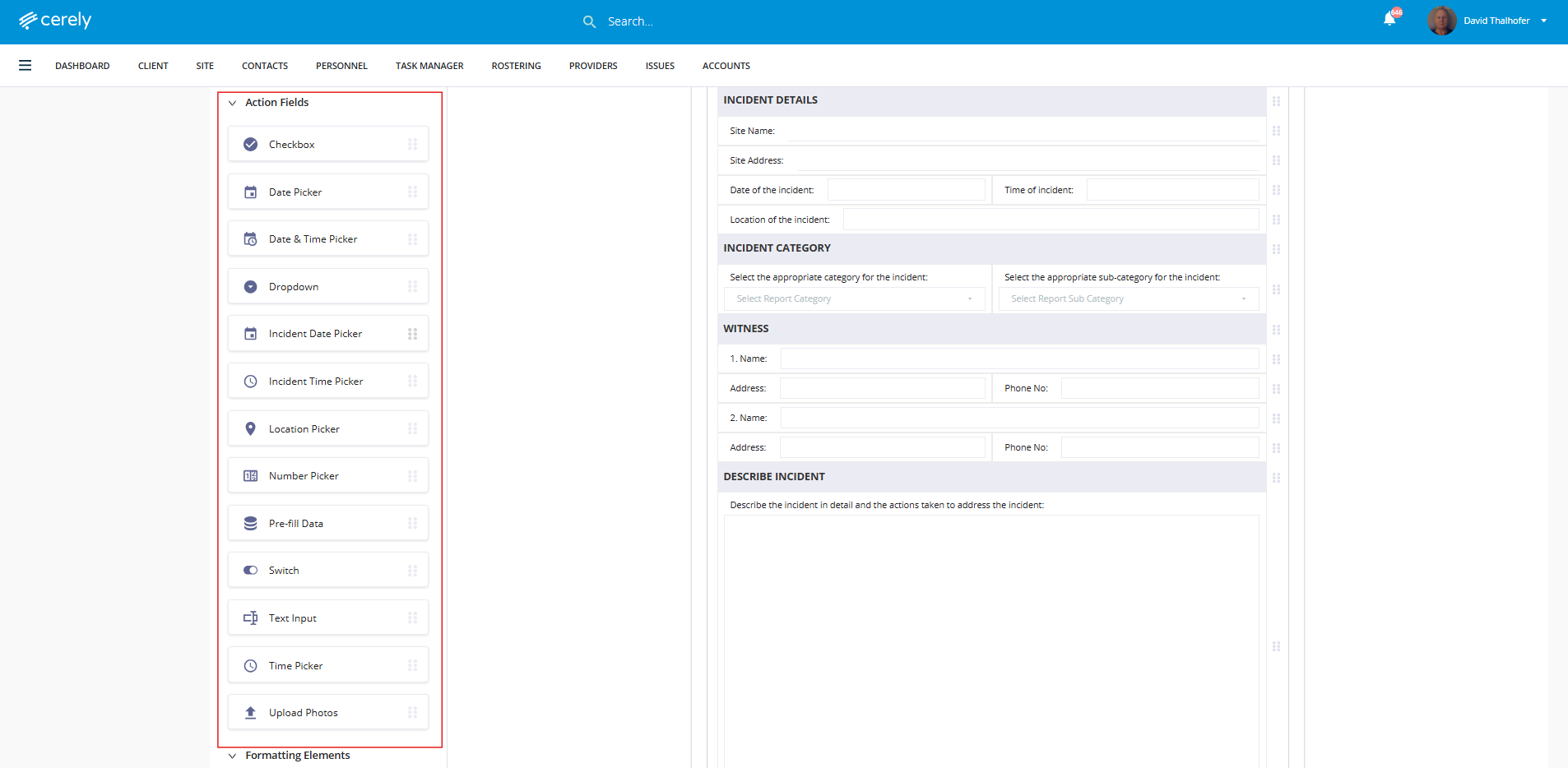
6. Drag and drop the fields you want included in your report
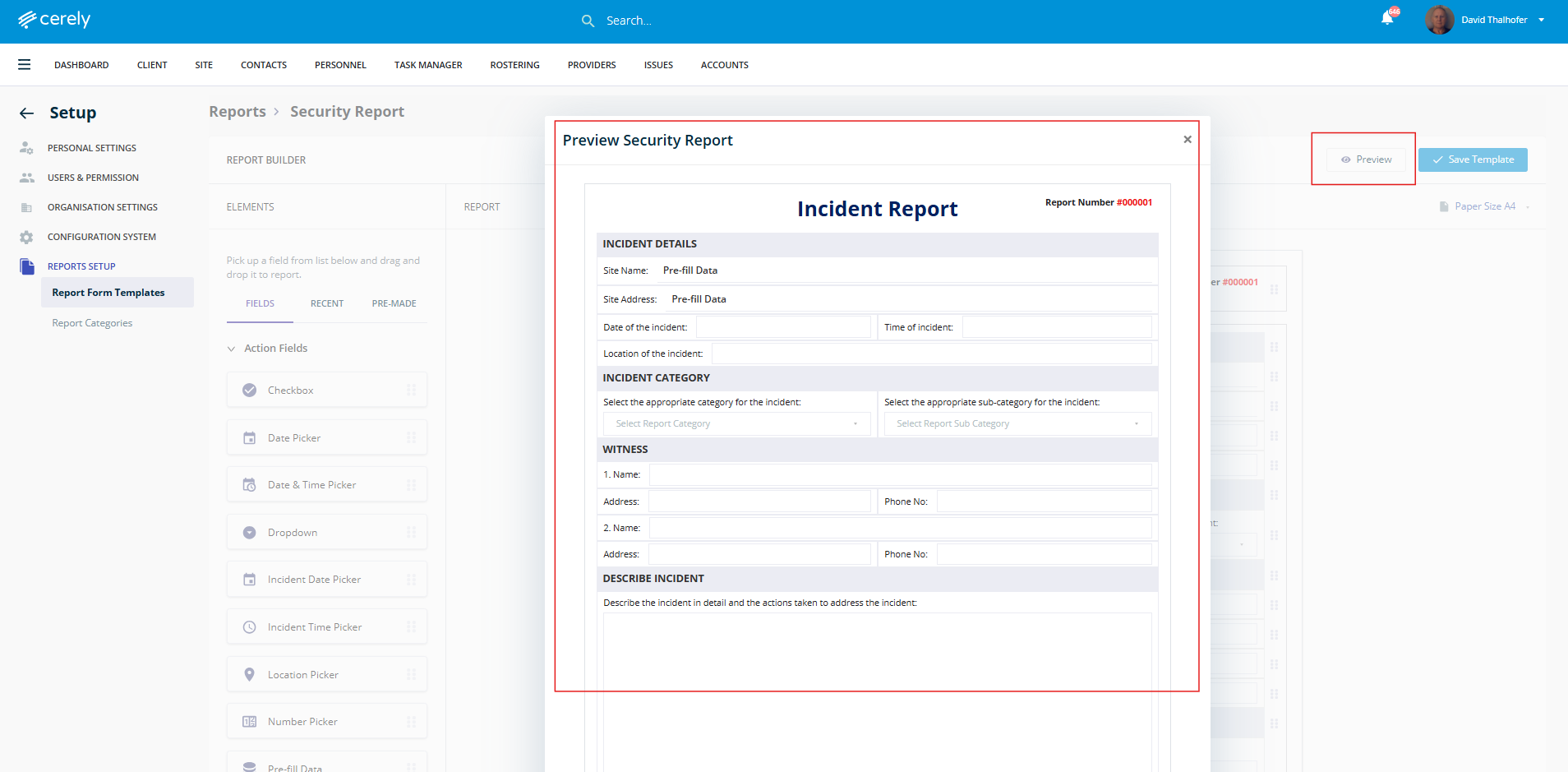
7. Click on Preview to review the layout and structure
8. When satisfied with the preview, click Save Template
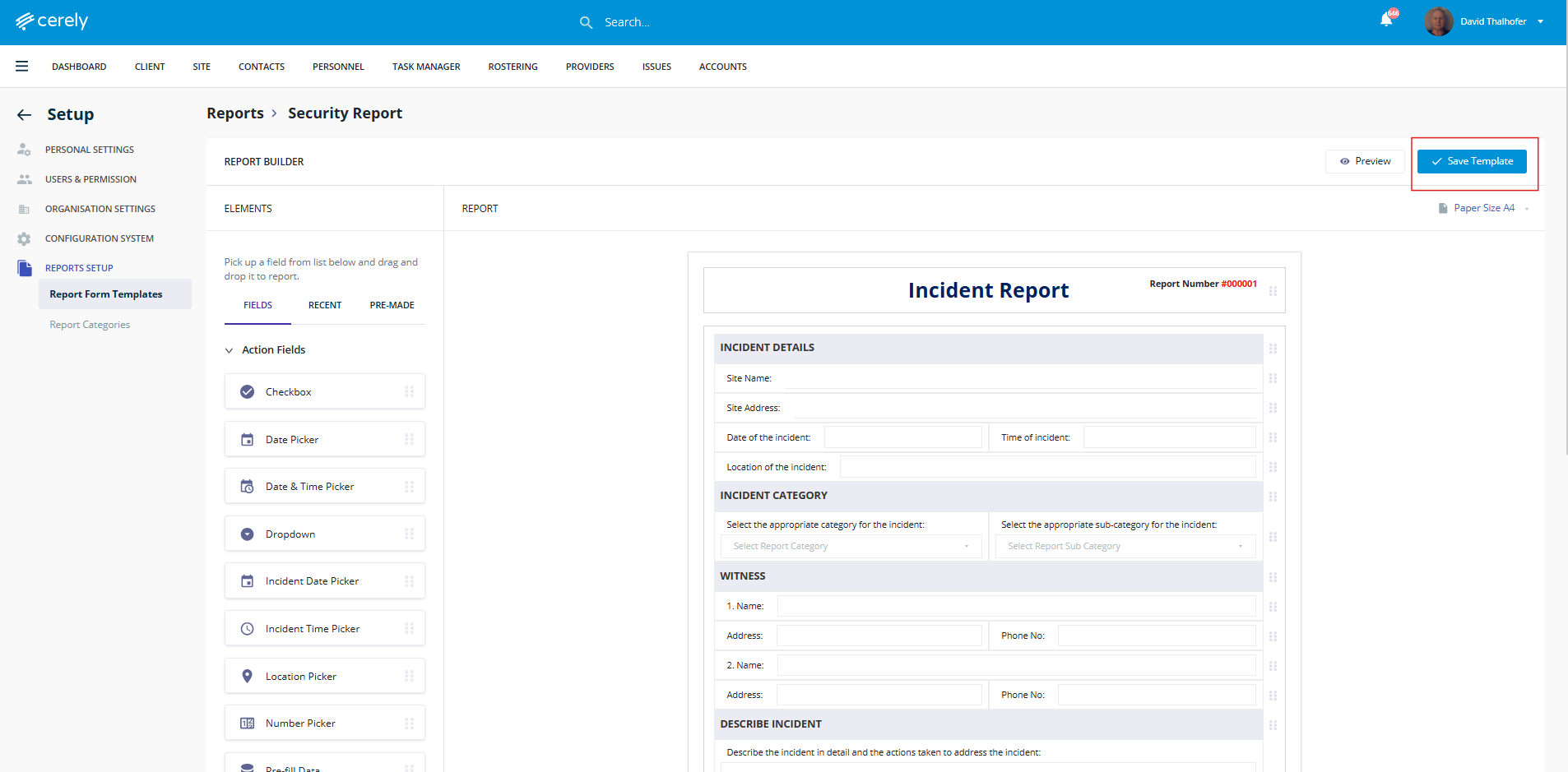
9. The new report template is now saved in the system and available for use
10. Once your template is saved, you can assign the report to specific sites via the Site Setup area. This ensures the report becomes available for guards to complete during their shifts.