
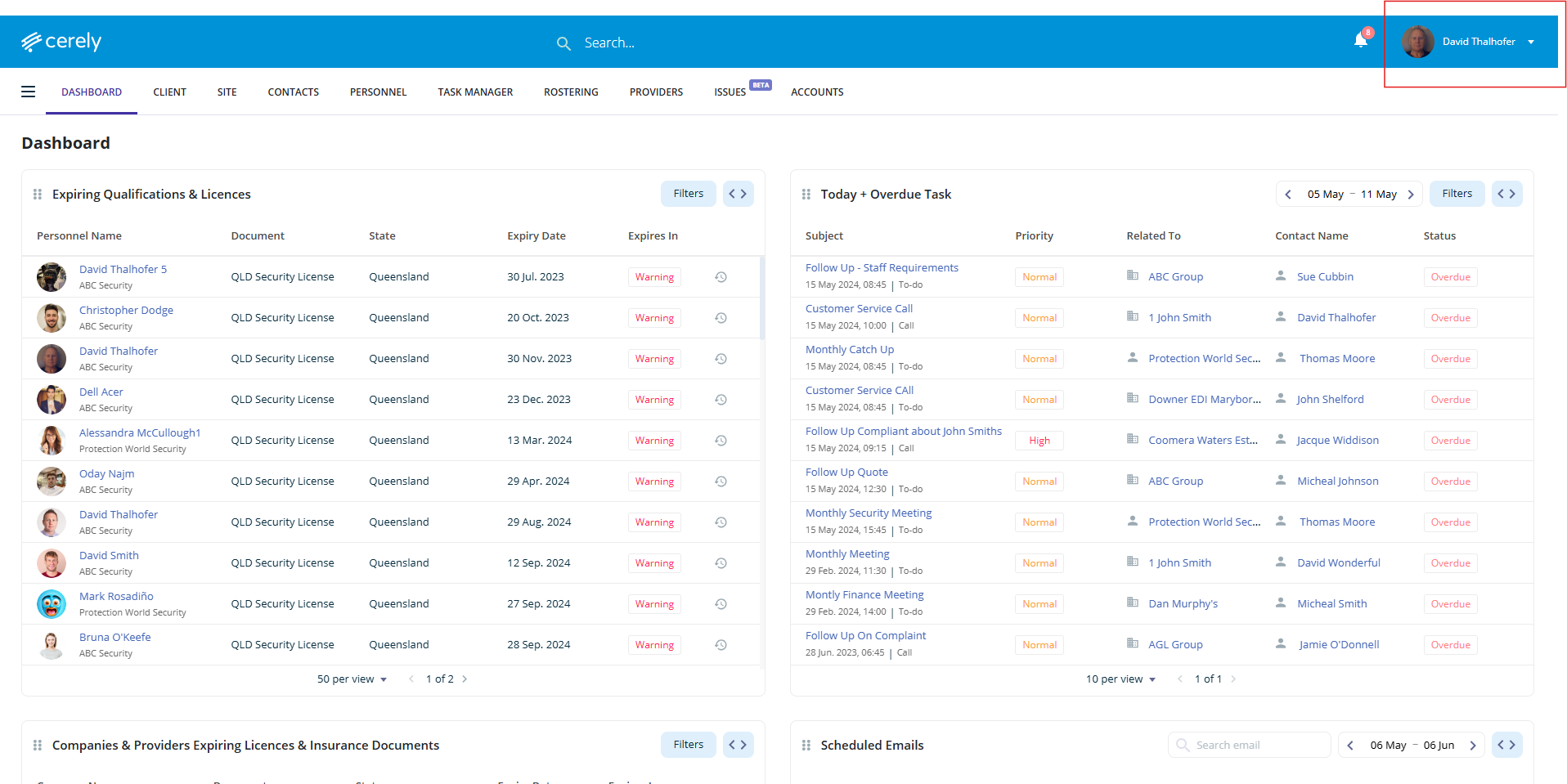
1. From the main menu in Cerely, click on your profile icon in the top right-hand corner of the screen
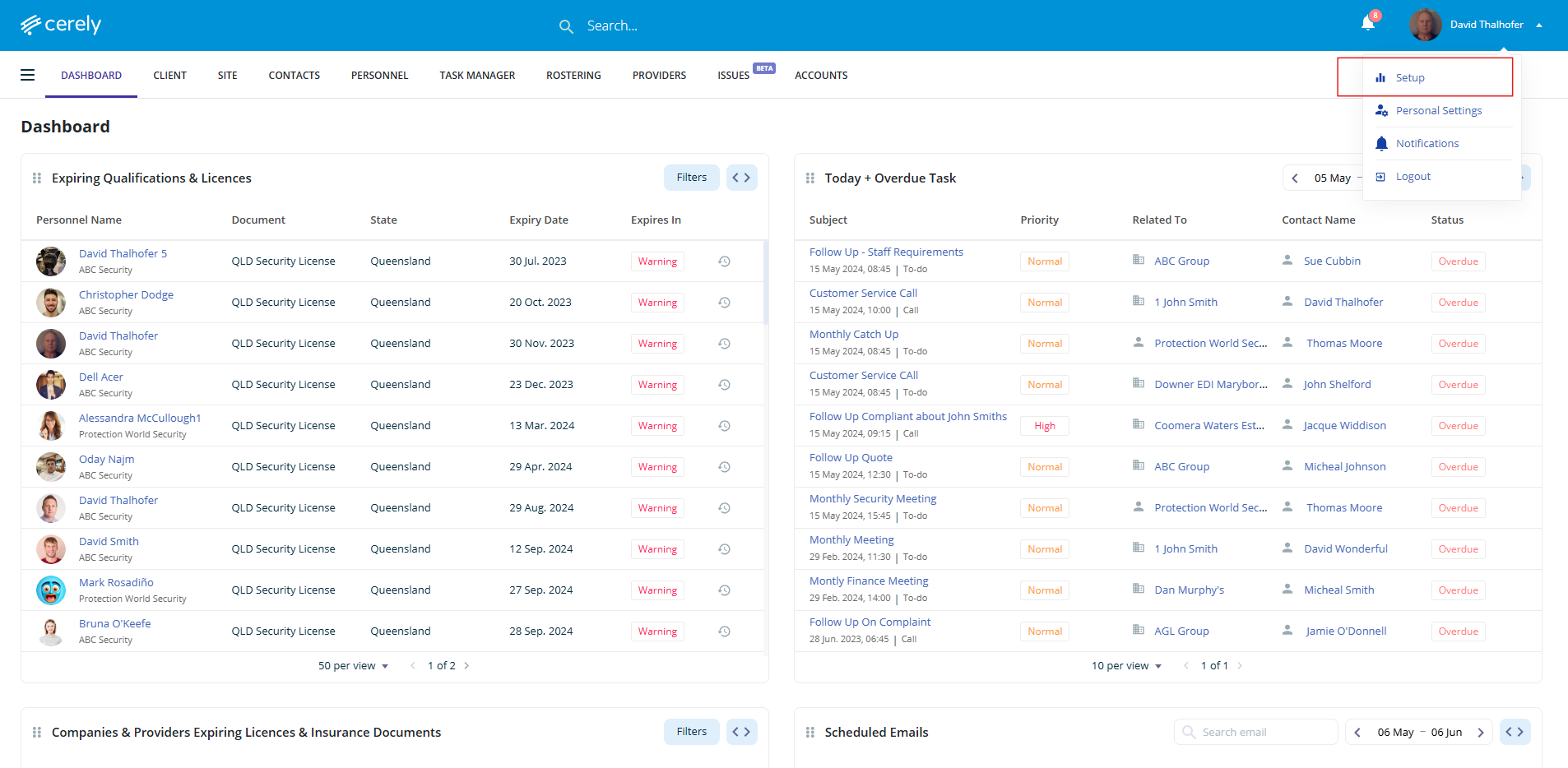
2. Click on setup from the dropdown menu
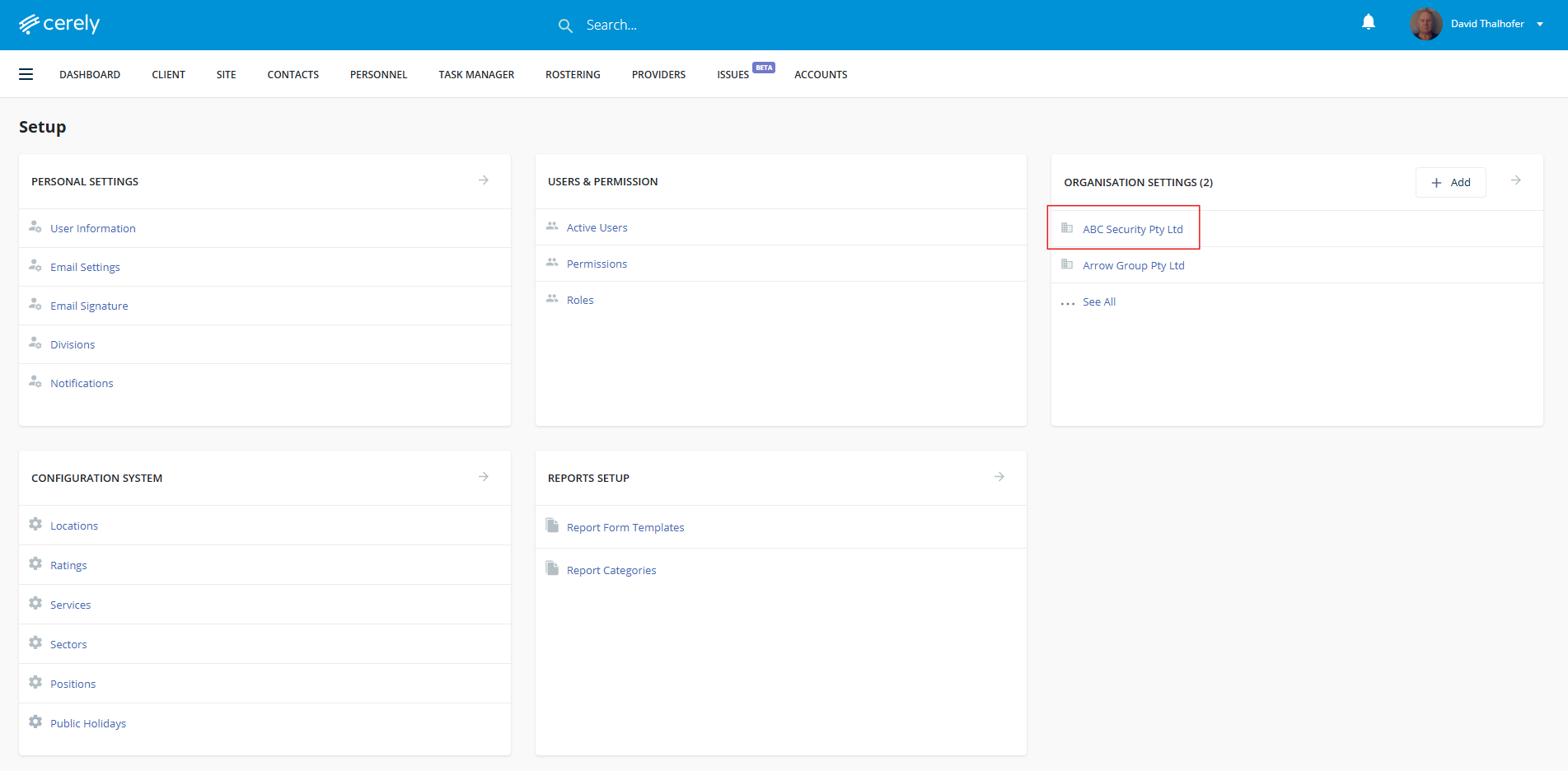
3. From the Setup screen under Organisation Settings, click on your company name
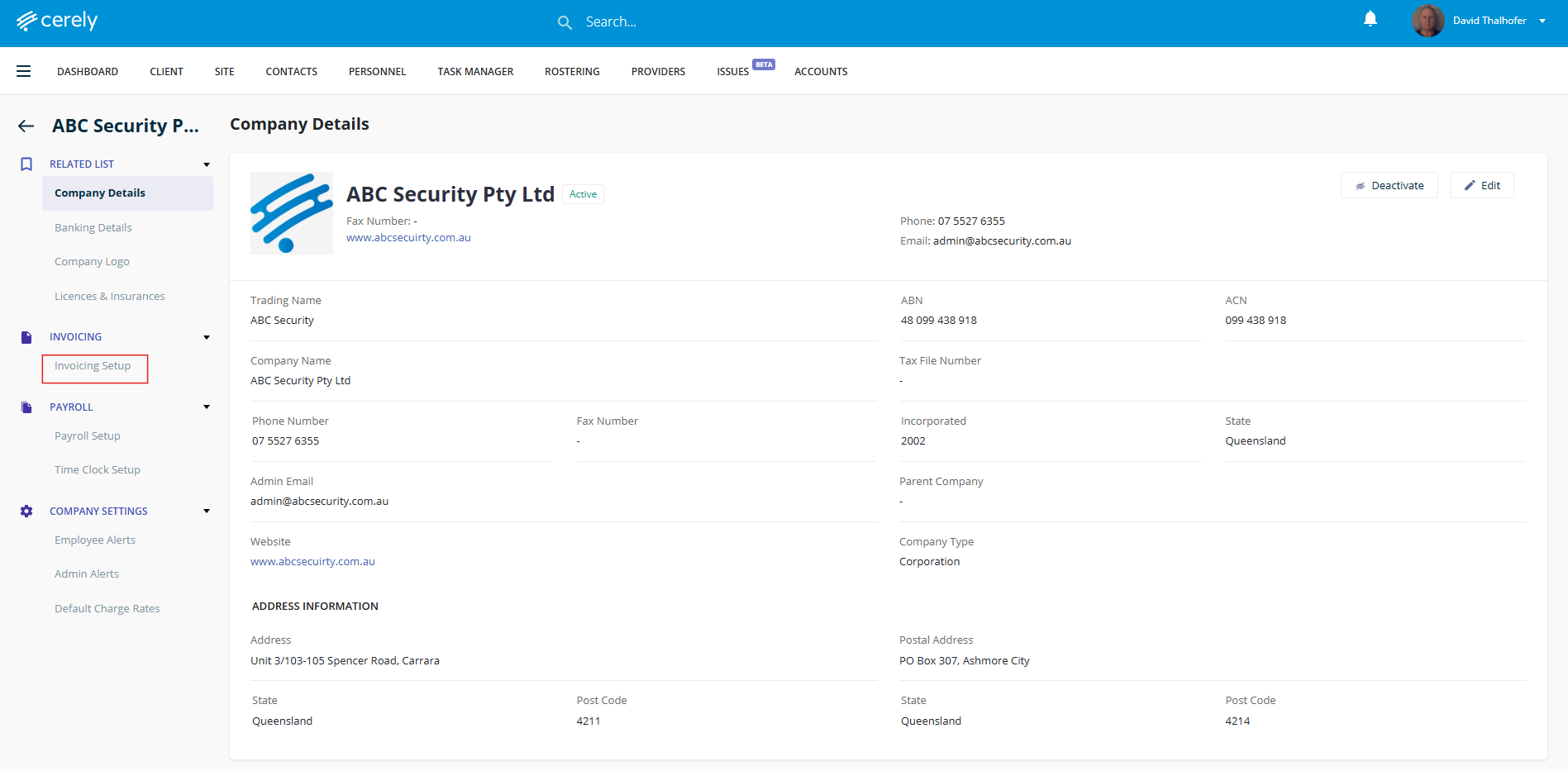
4. In the left-hand menu, under Invoicing click on Invoicing Setup
5. Click on the edit icon
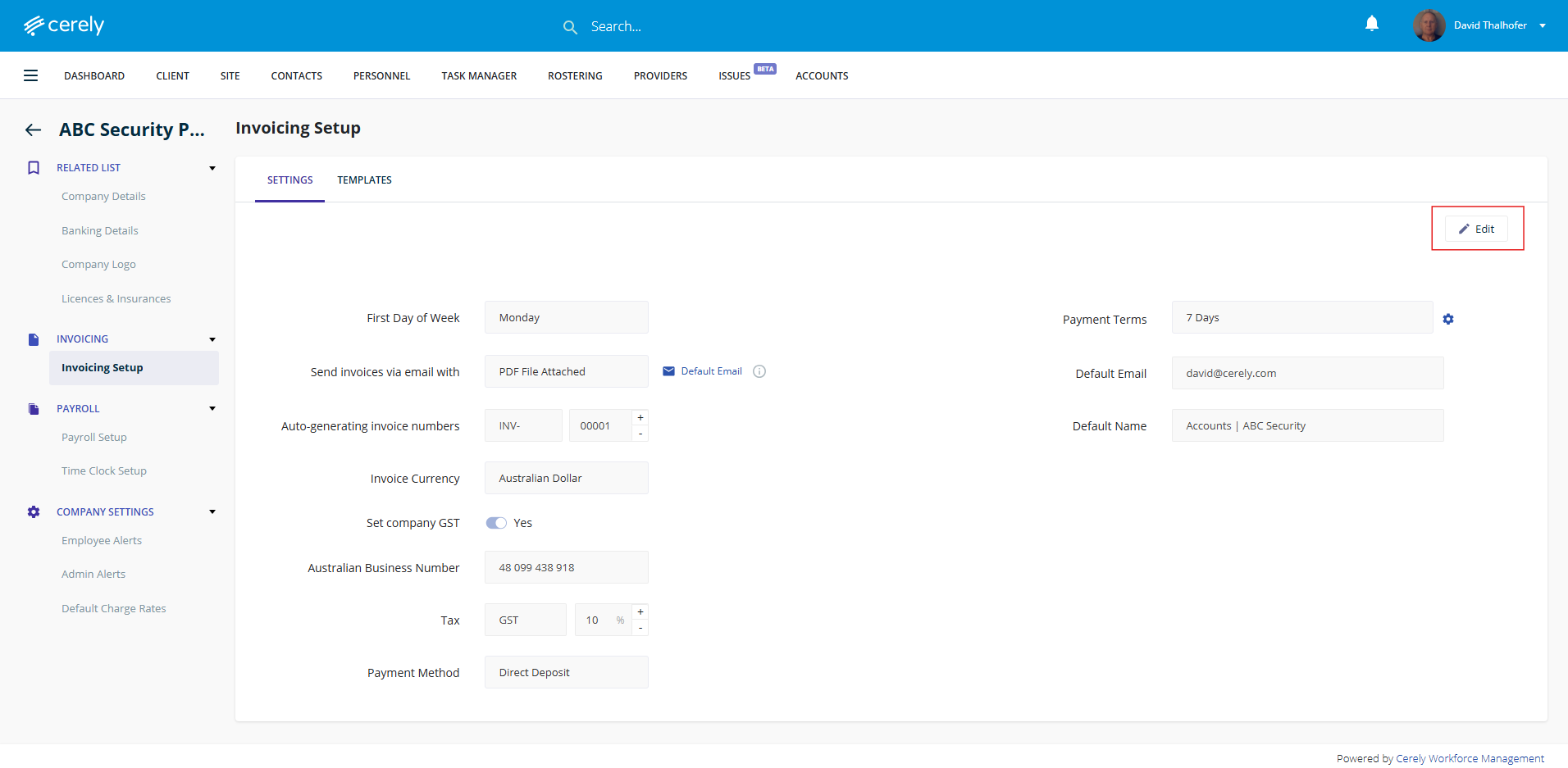
6. Edit the information based on your business preferences to invoice clients directly from Cerely.
Use the dropdown menus to make your preference selections, toggle GST on or off as required, and complete the relevant fields such as ABN, Default Email Address, and Default Invoice Name.
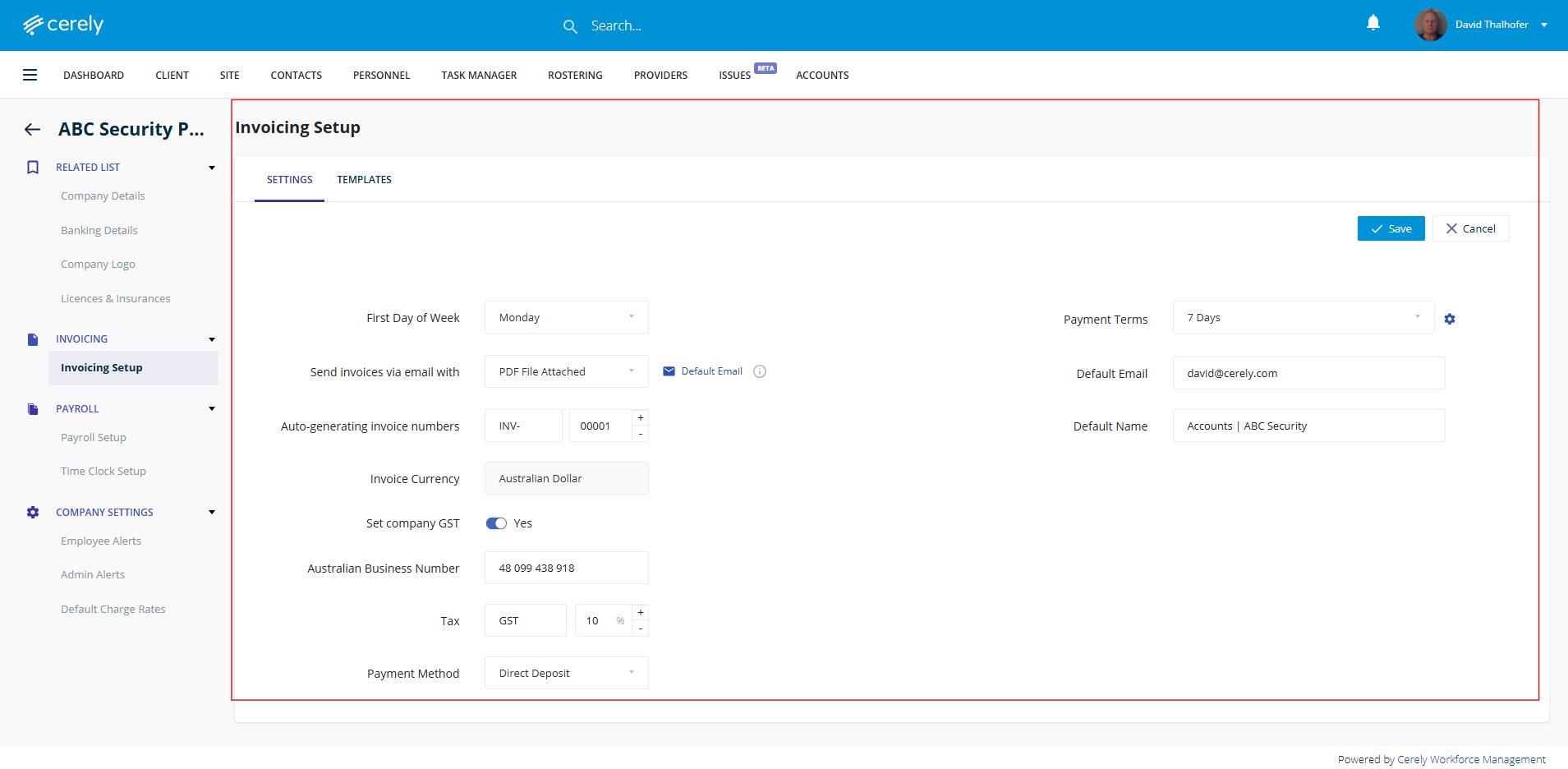
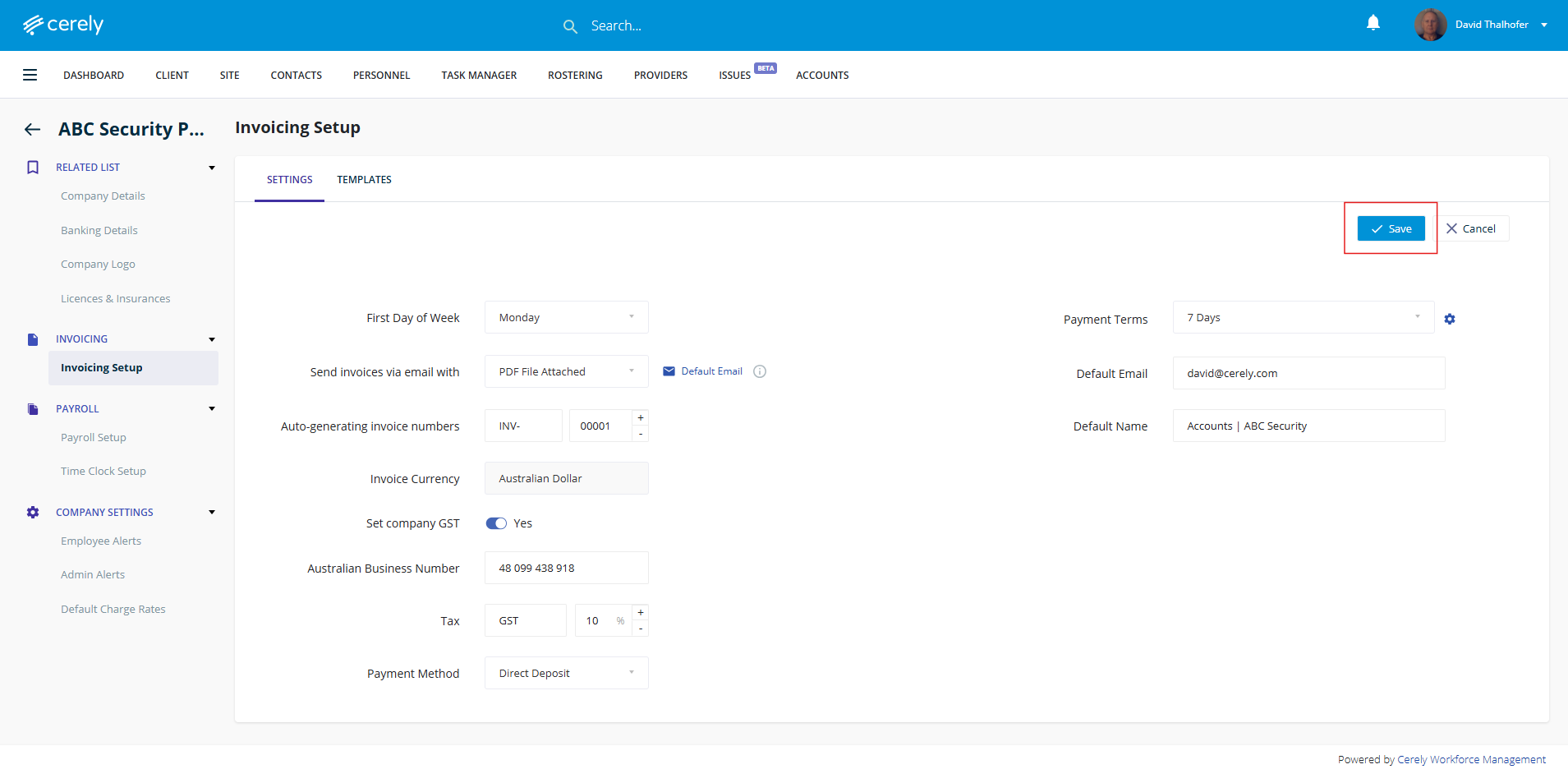
7. Click on the save button
8. The updated invoice setup settings will now display here
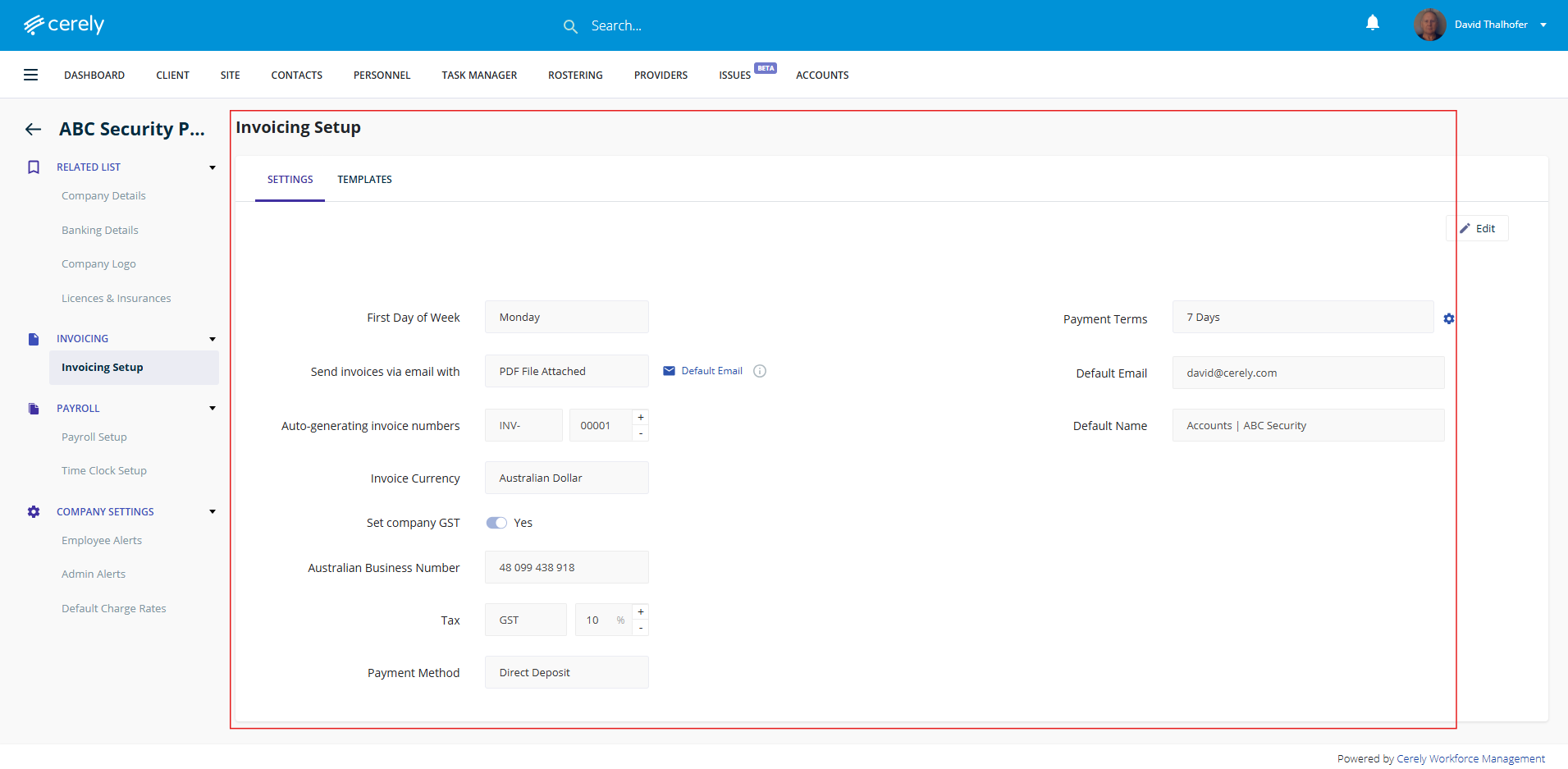
The updated settings are now live and will apply to all future invoices.