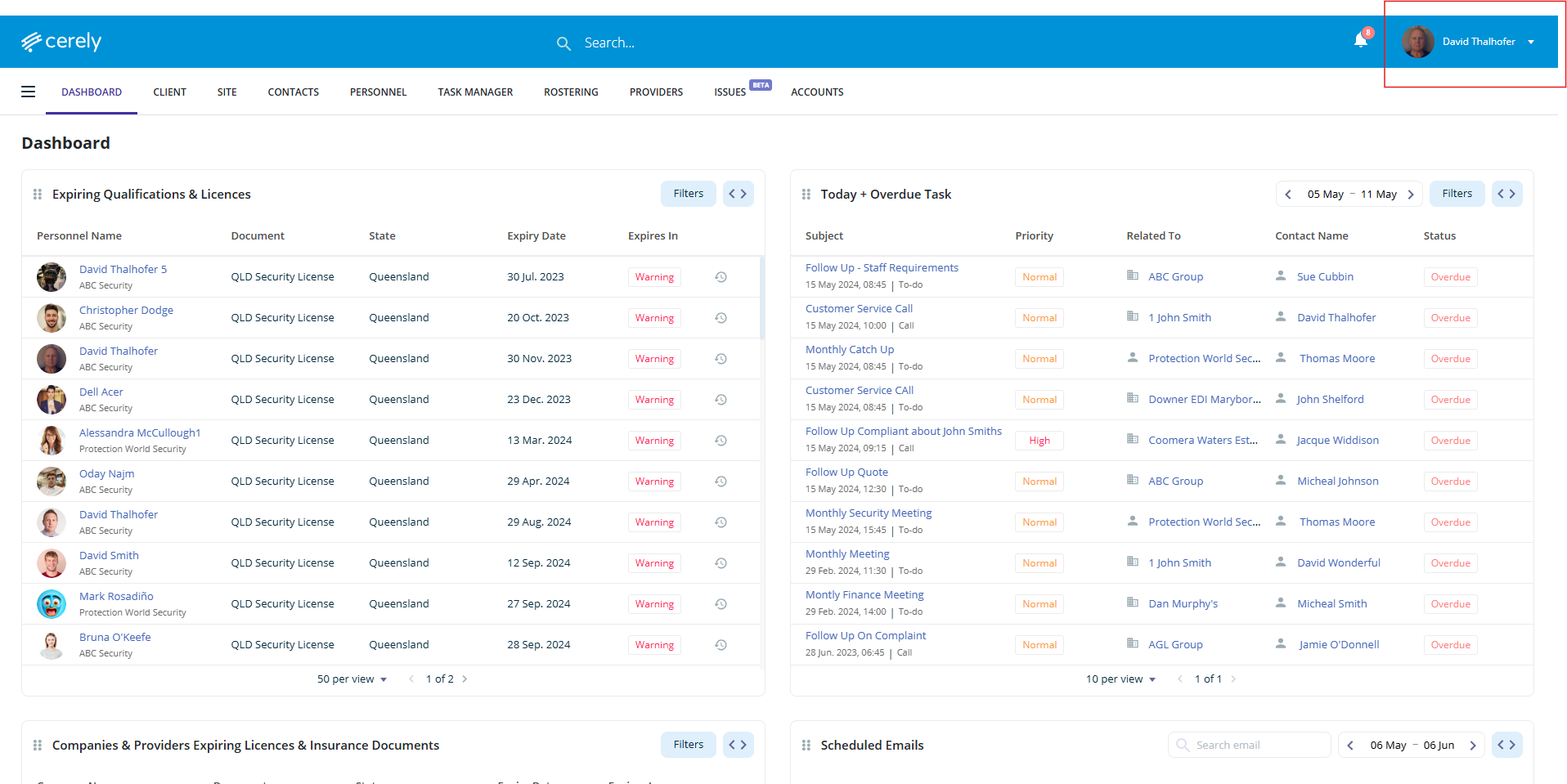
1. From the main menu, click your Profile Icon in the top right-hand corner
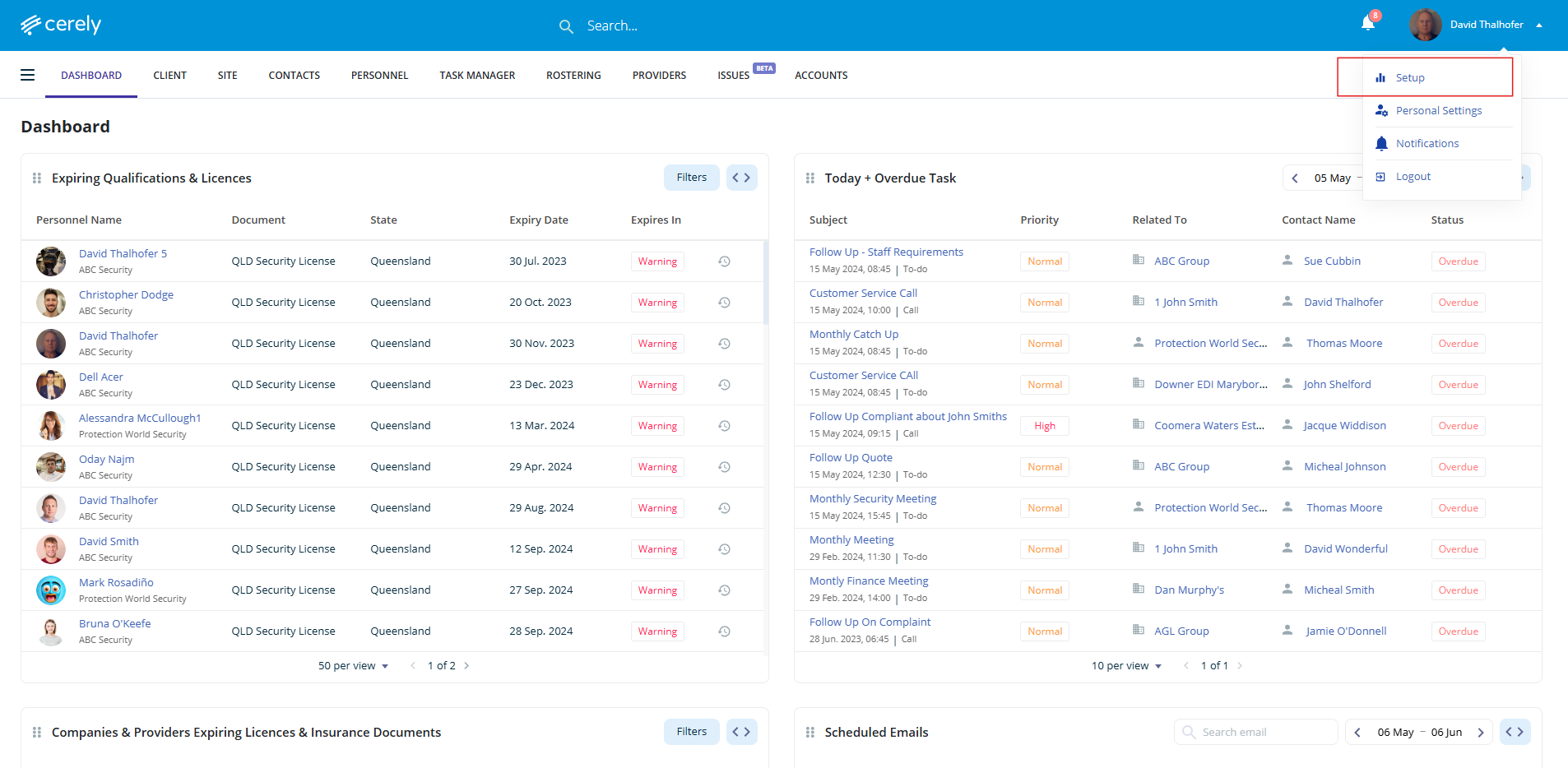
2. Click on Setup from the dropdown menu
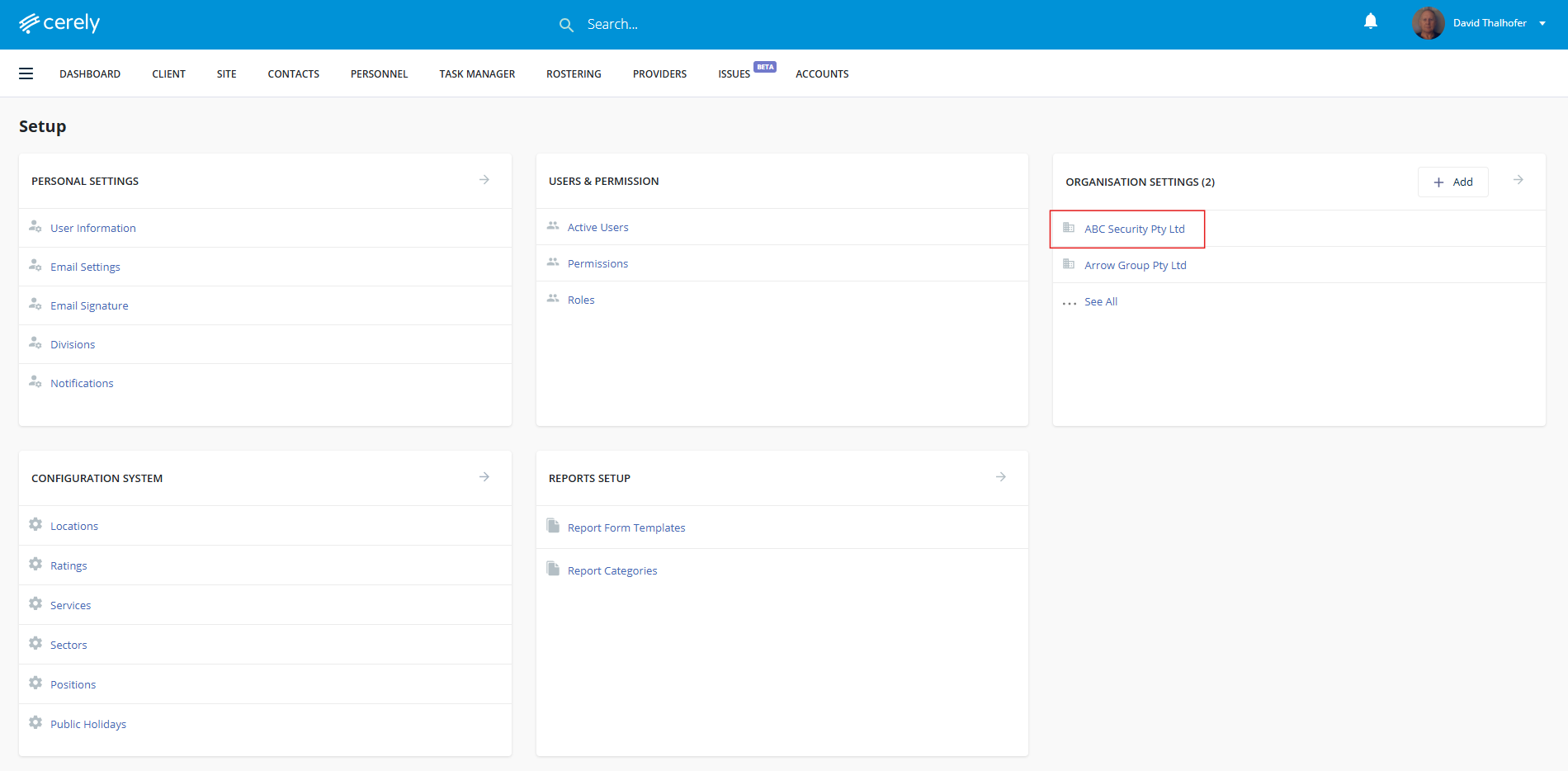
3. Under Organisation Settings, Click on your Organisation Name
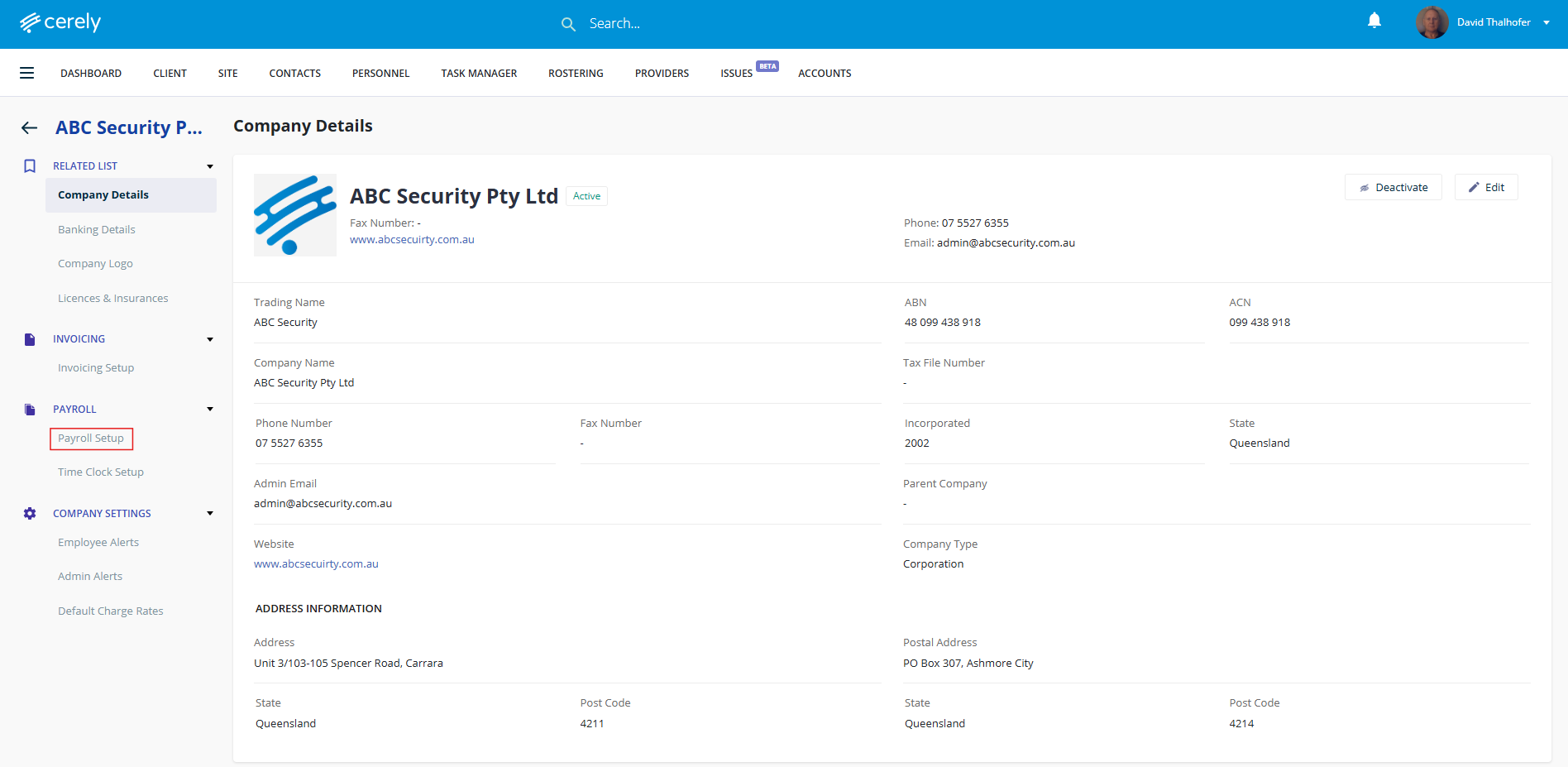
4. In the left-hand menu, click on Payroll Setup
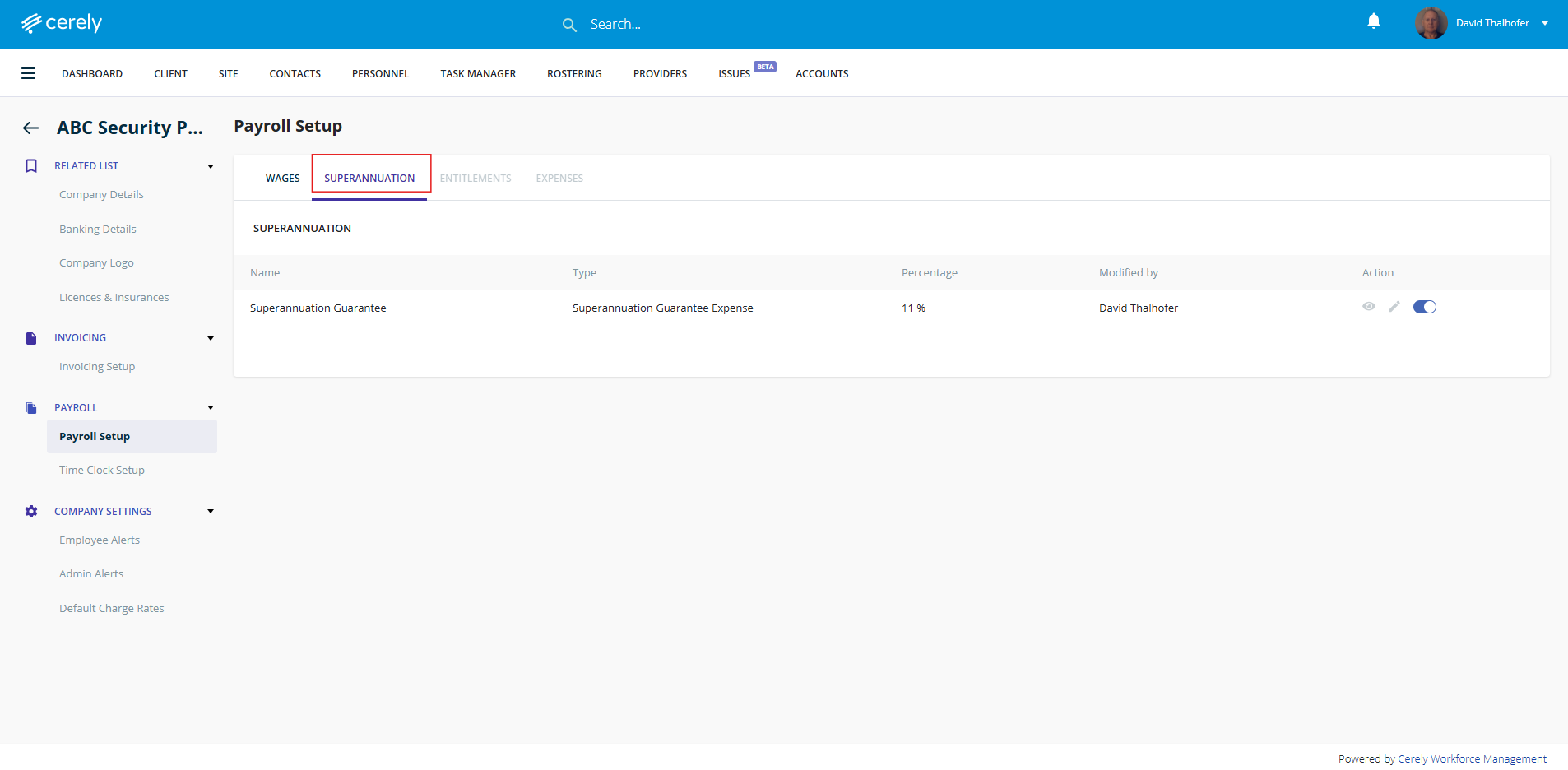
5. Click on the Superannuation tab
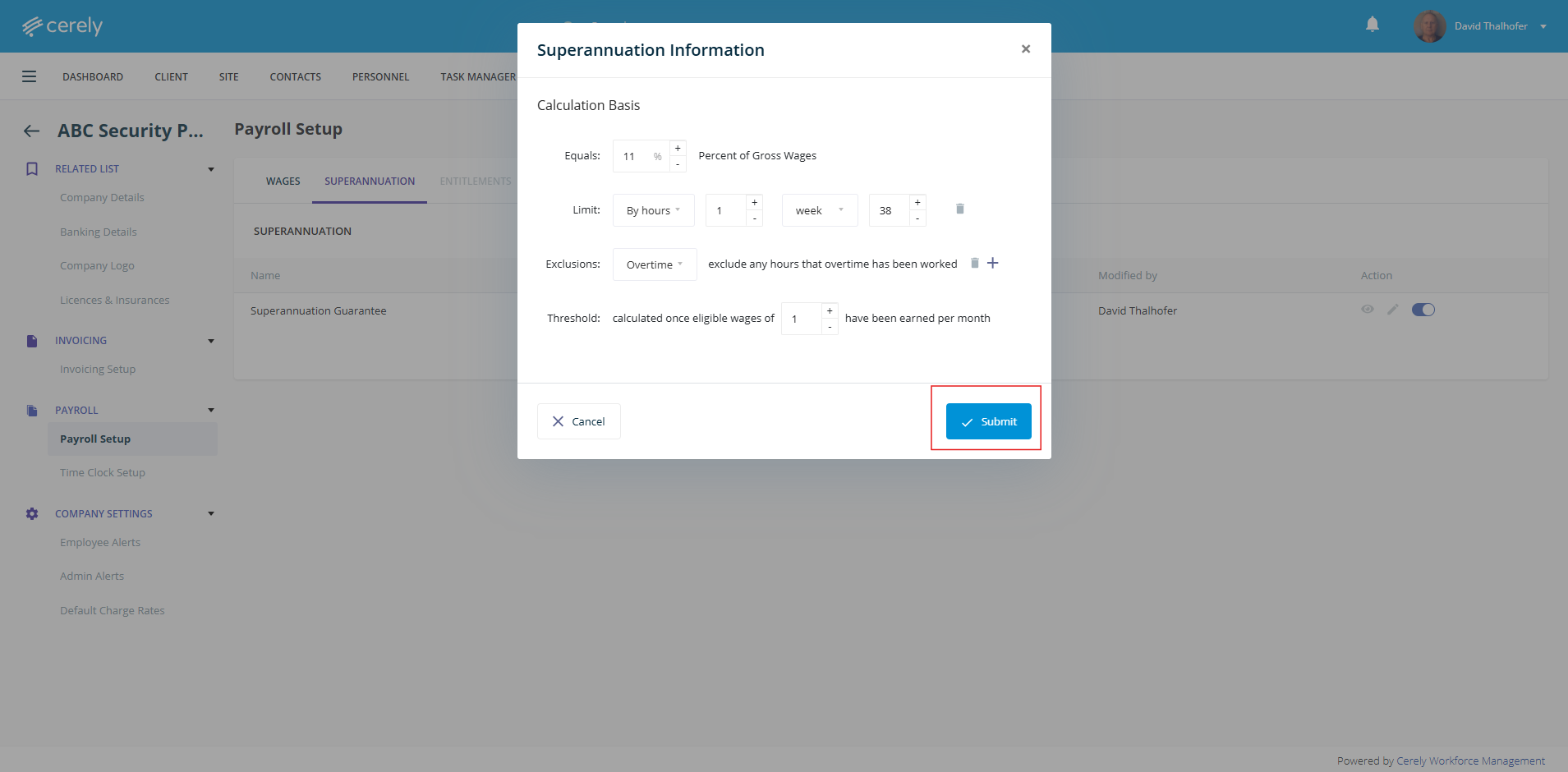
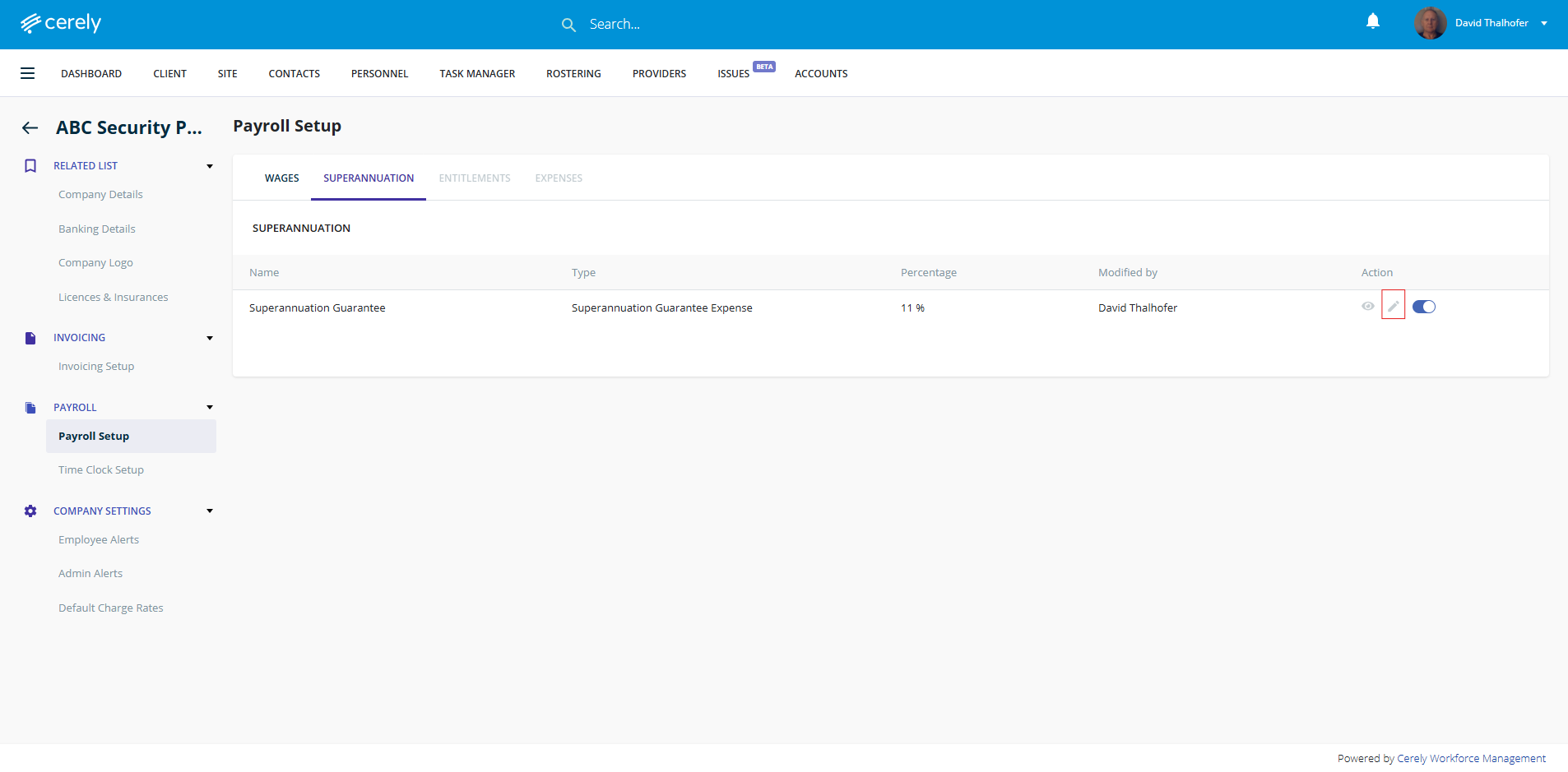
6. Click on the edit icon
7. Edit the superannuation percentage
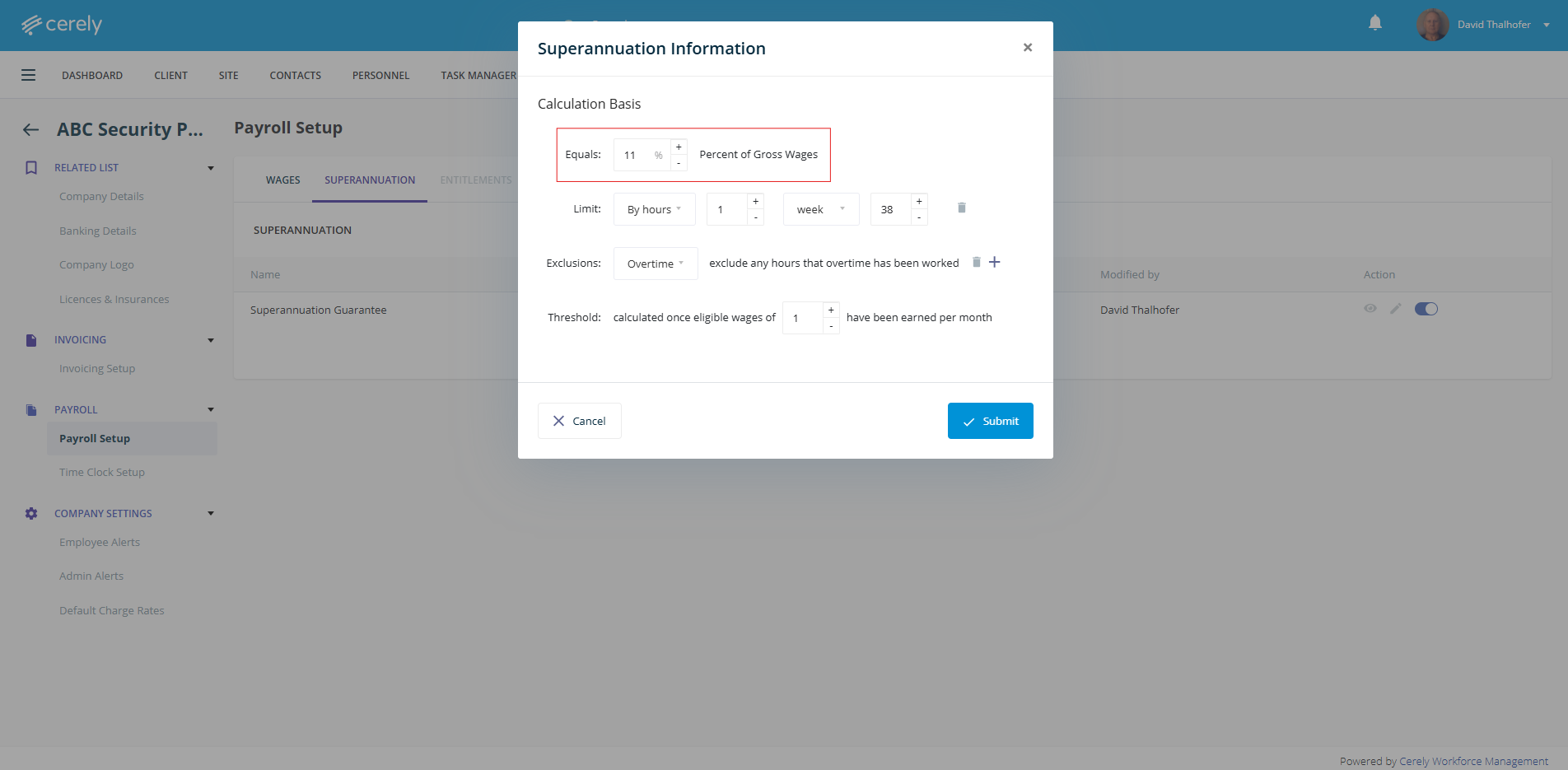
8. Click Submit to save the superannuation details. Once you click submit this will automatically update the superannuation percentage effective immediately.