
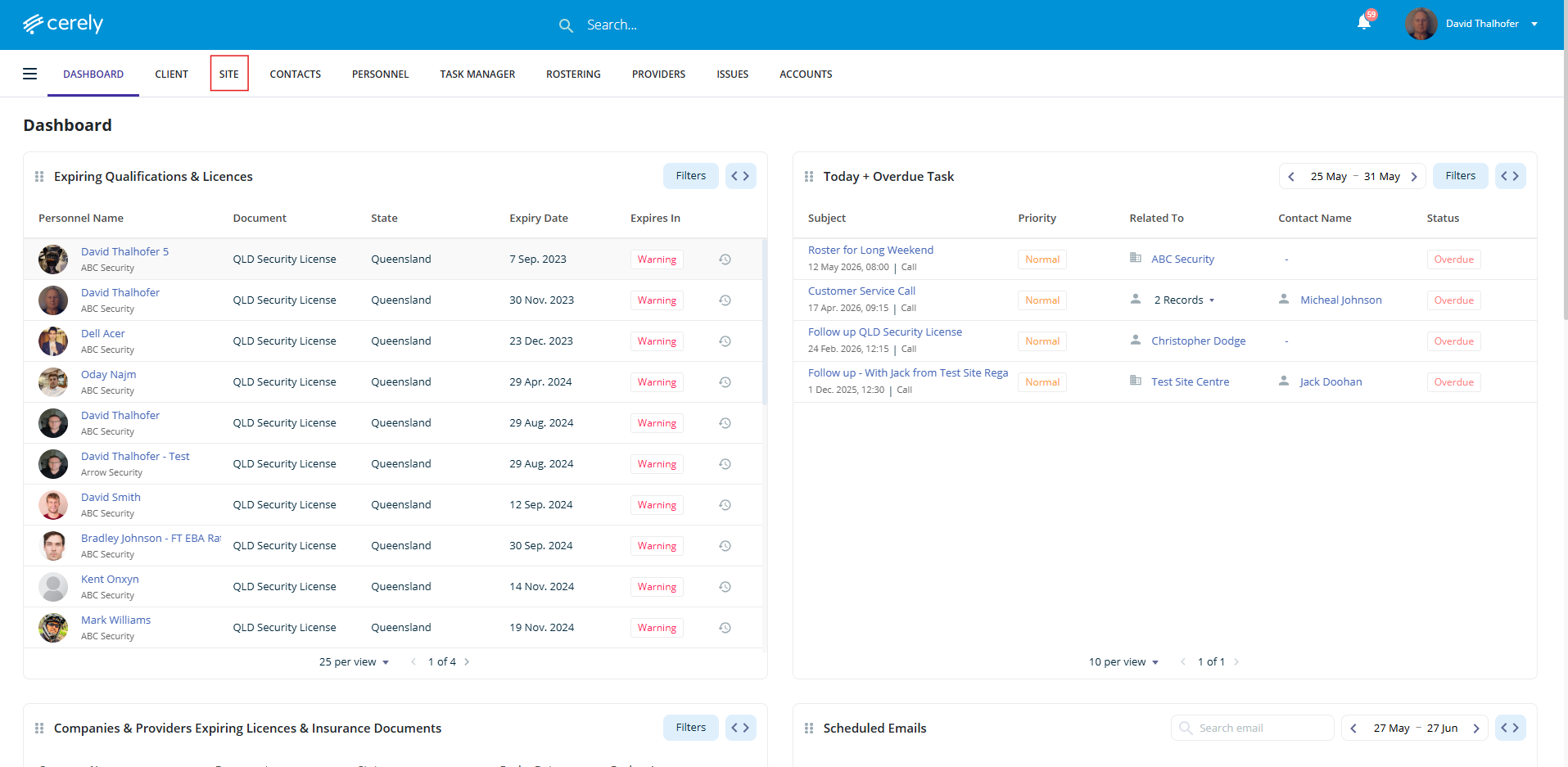
1. From the home screen in Cerely, click on the Site tab from the Cerely top main menu
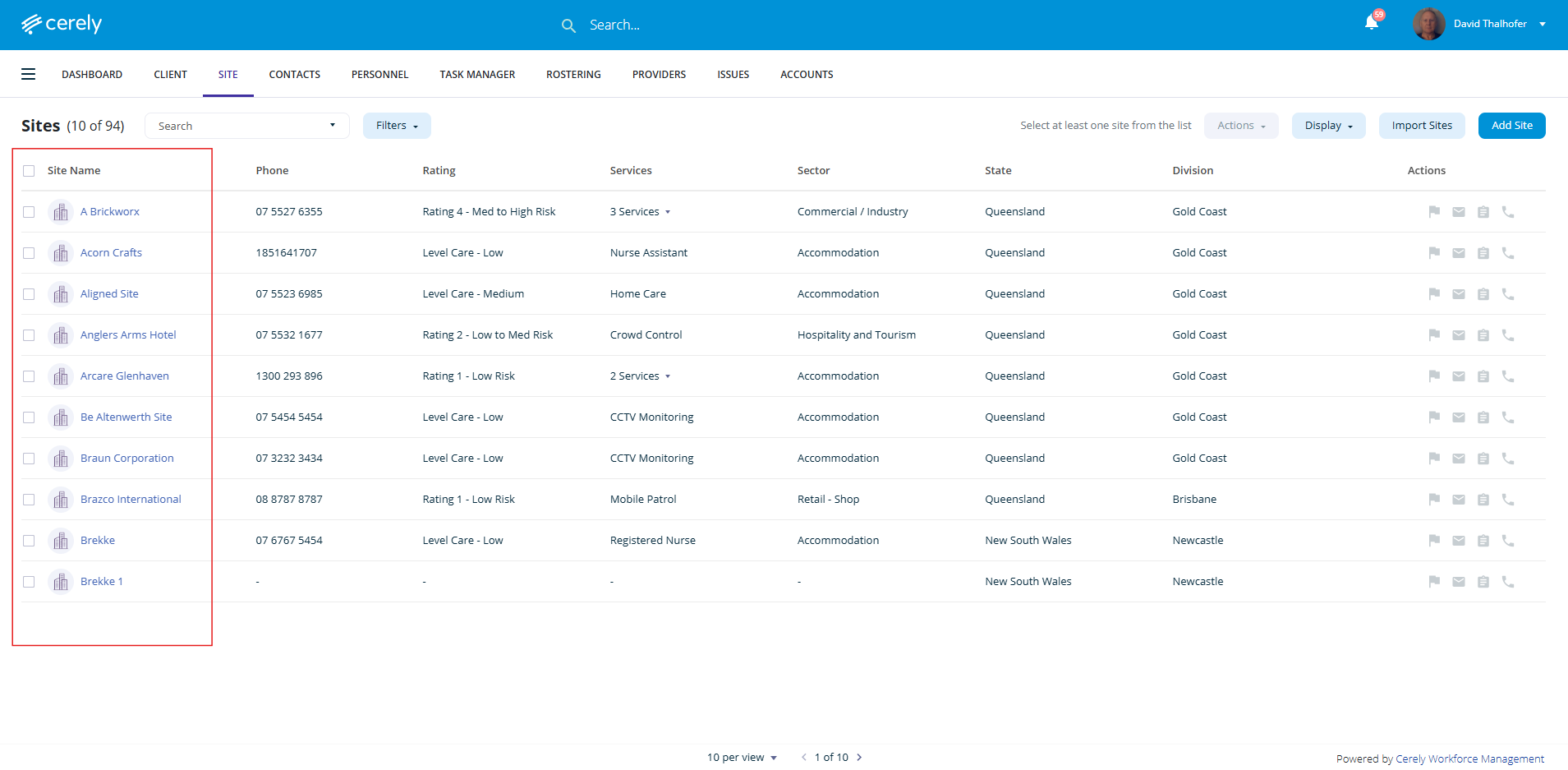
2. Select the Site you would like to setup report entry reminders for from the list
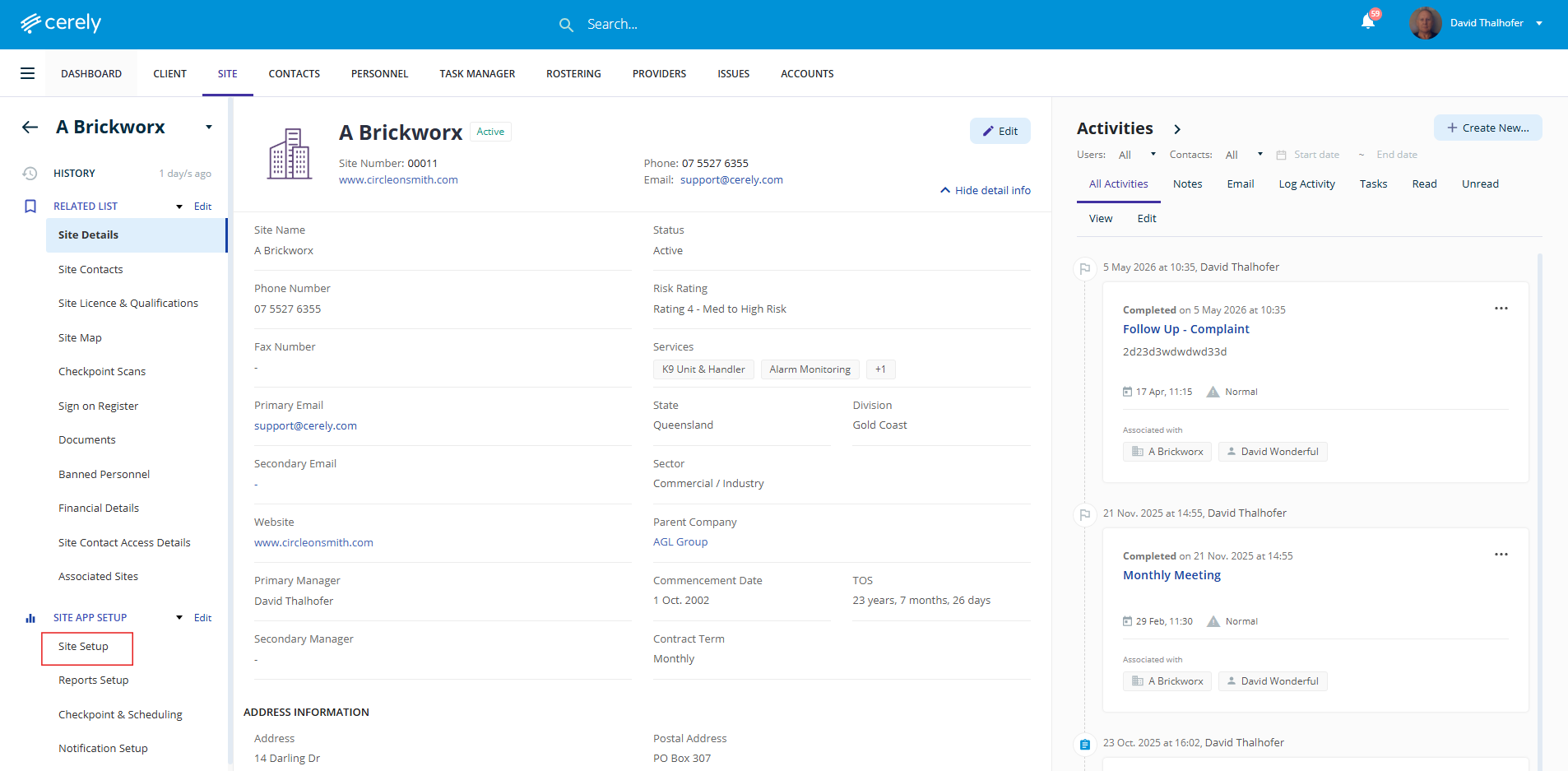
3. From the left-hand menu, click on the Site Setup tab under Site App Setup
4. Click on the Edit icon in the top right-hand corner
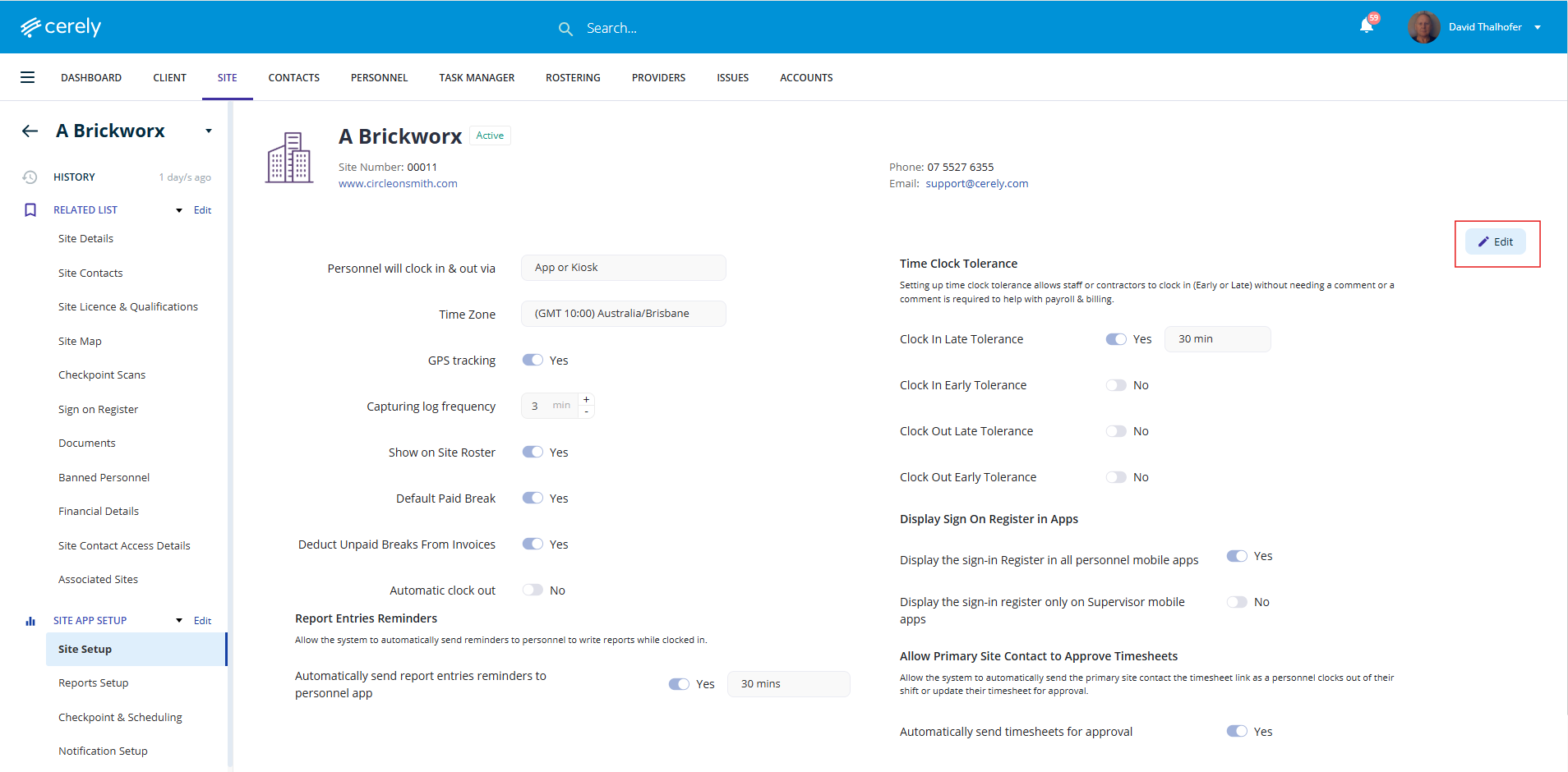
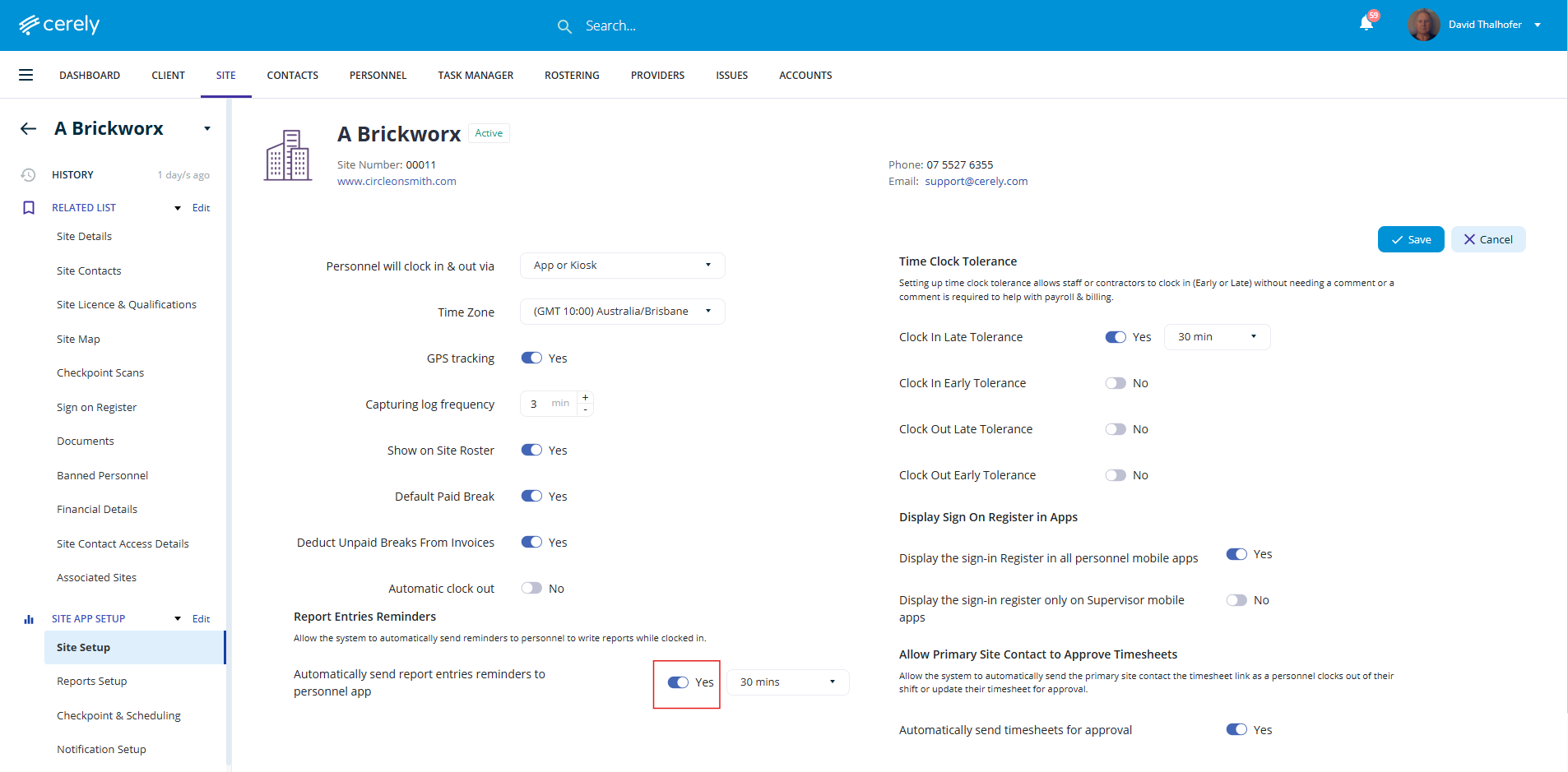
5. Use the toggle to enable or disable report entry reminder notifications for the selected Site
6. Select the reminder notification interval from the drop down menu options being the time interval between report reminder notifications to be sent during a shift
Examples:
-
30 minutes
-
60 minutes
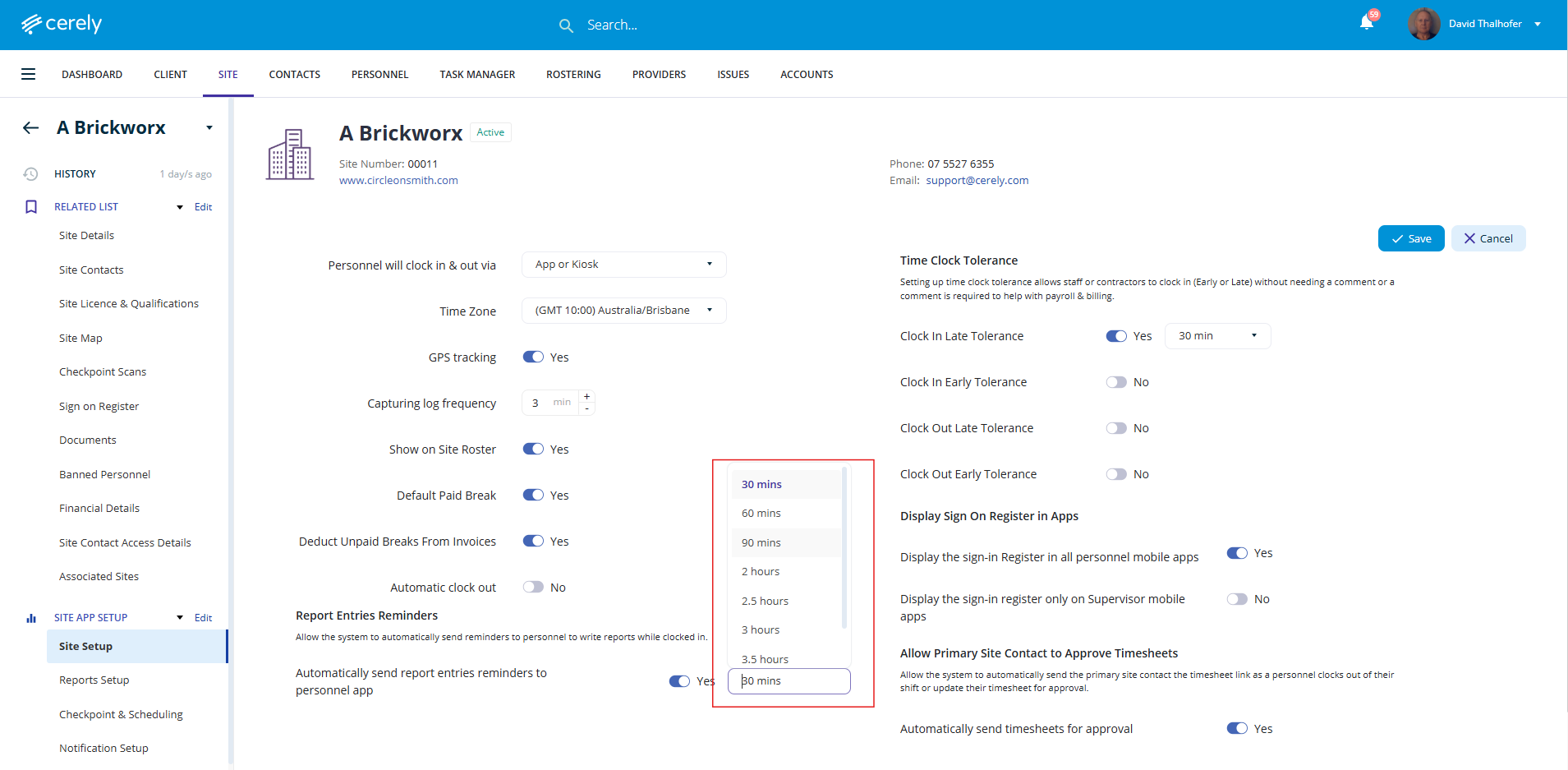
This determines how often personnel will receive report entry reminder notifications while on shift.
7. Click on the Save button
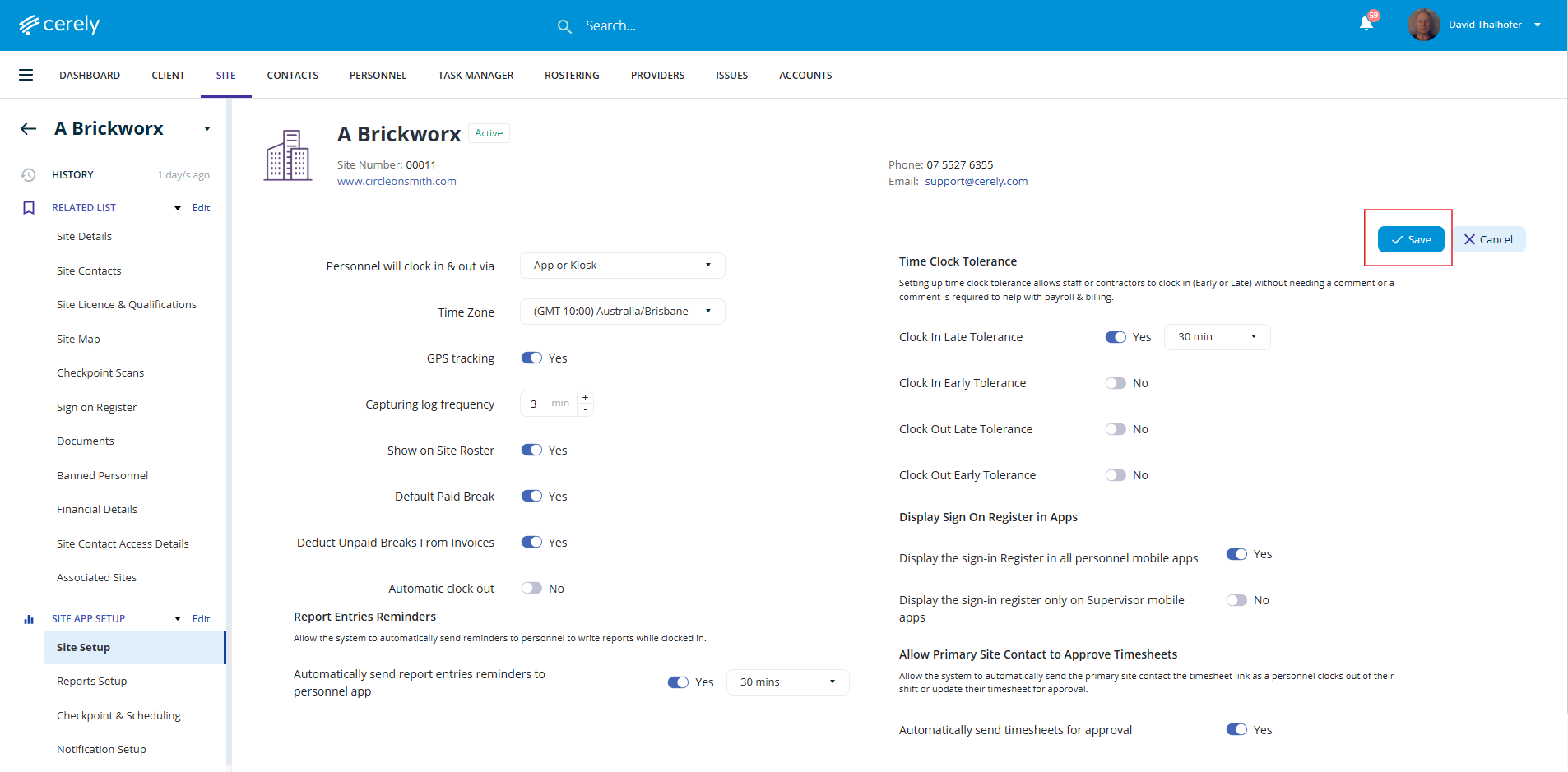
Personnel assigned to this Site will now receive report entry reminder notifications through the Cerely Personnel App while they are on shift.