
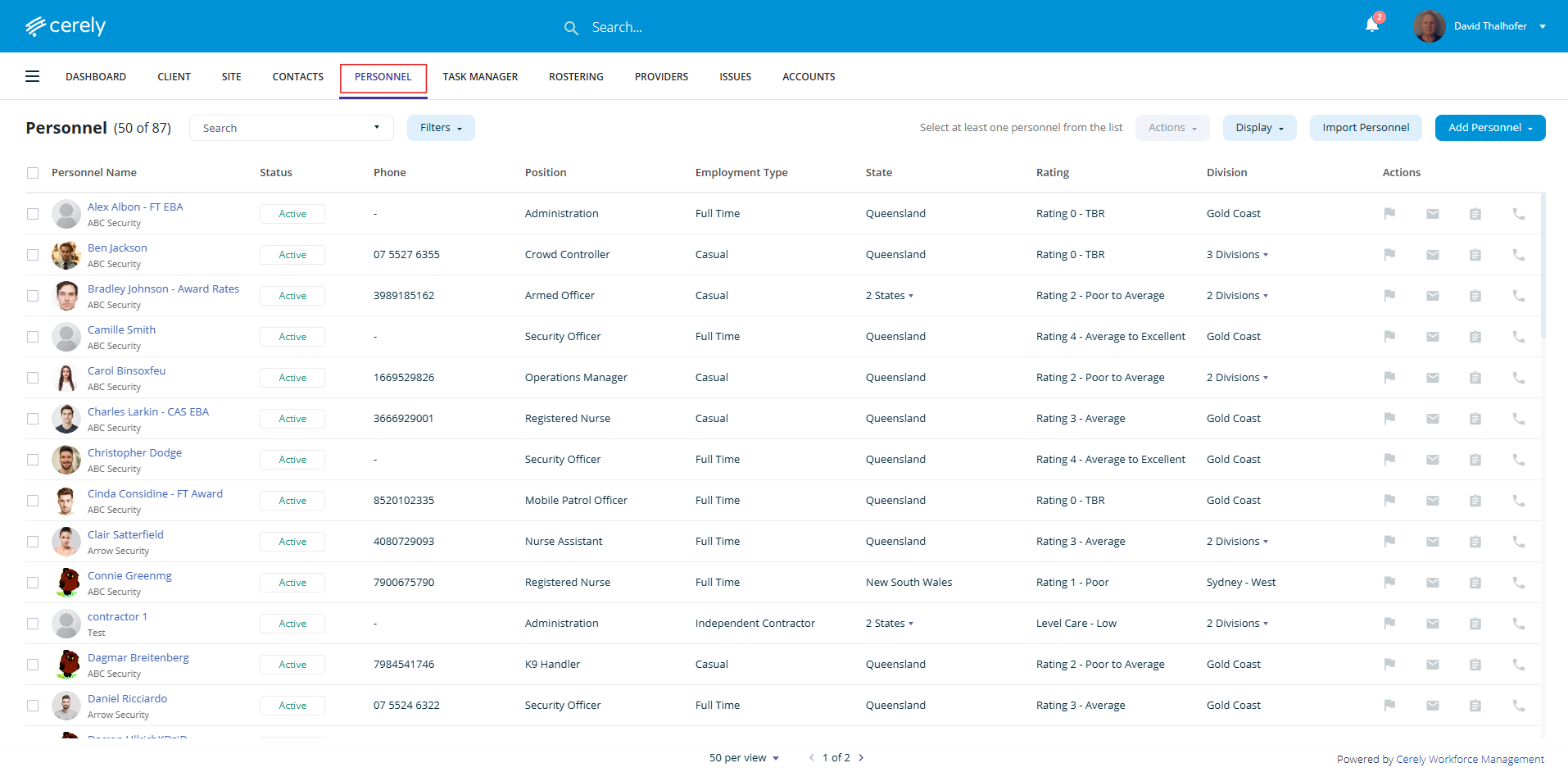
1. From the home screen in Cerely, click on the Personnel tab from the Cerely top main menu
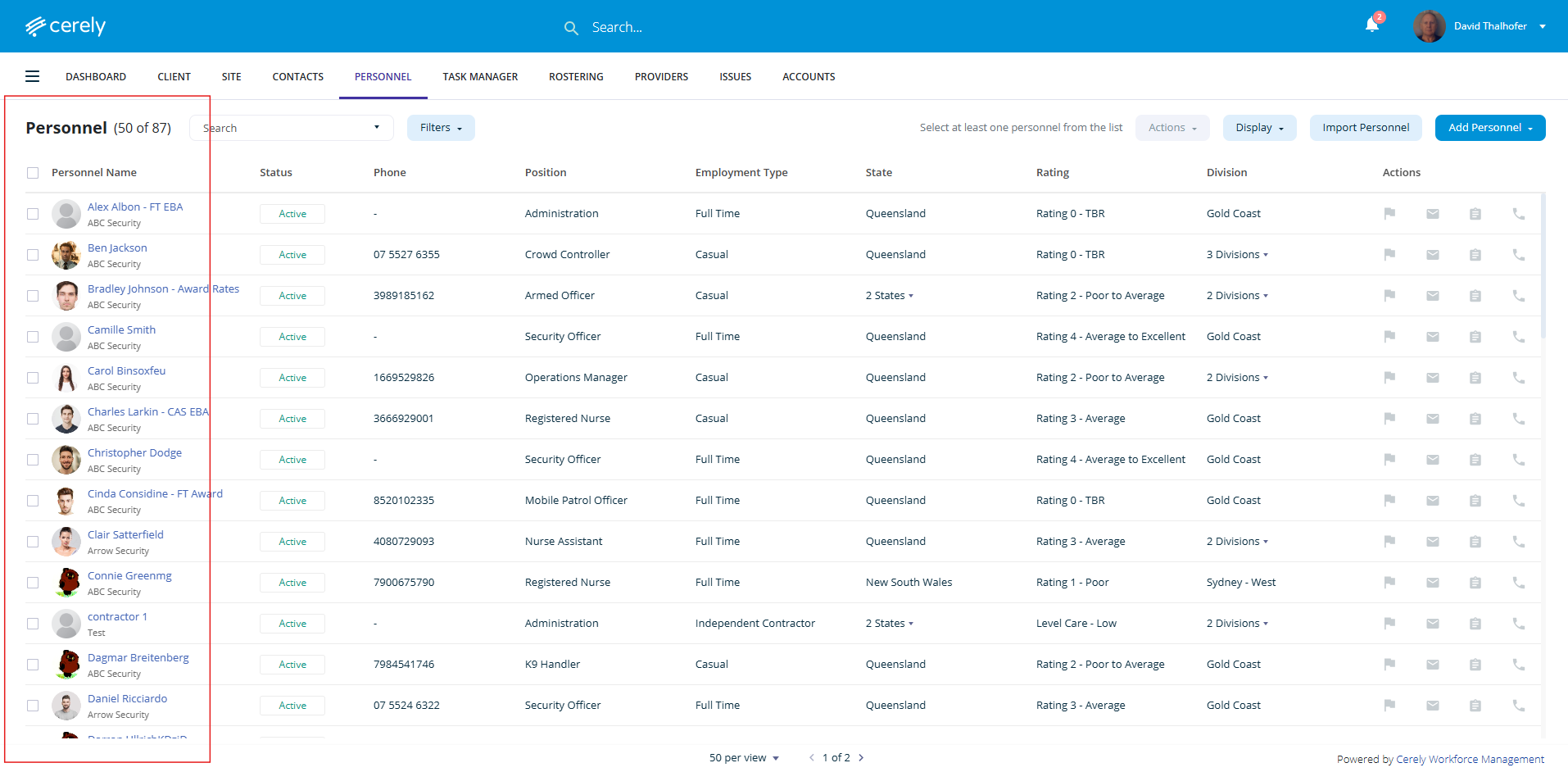
2. Select and click on the employee profile you want to upload documents to
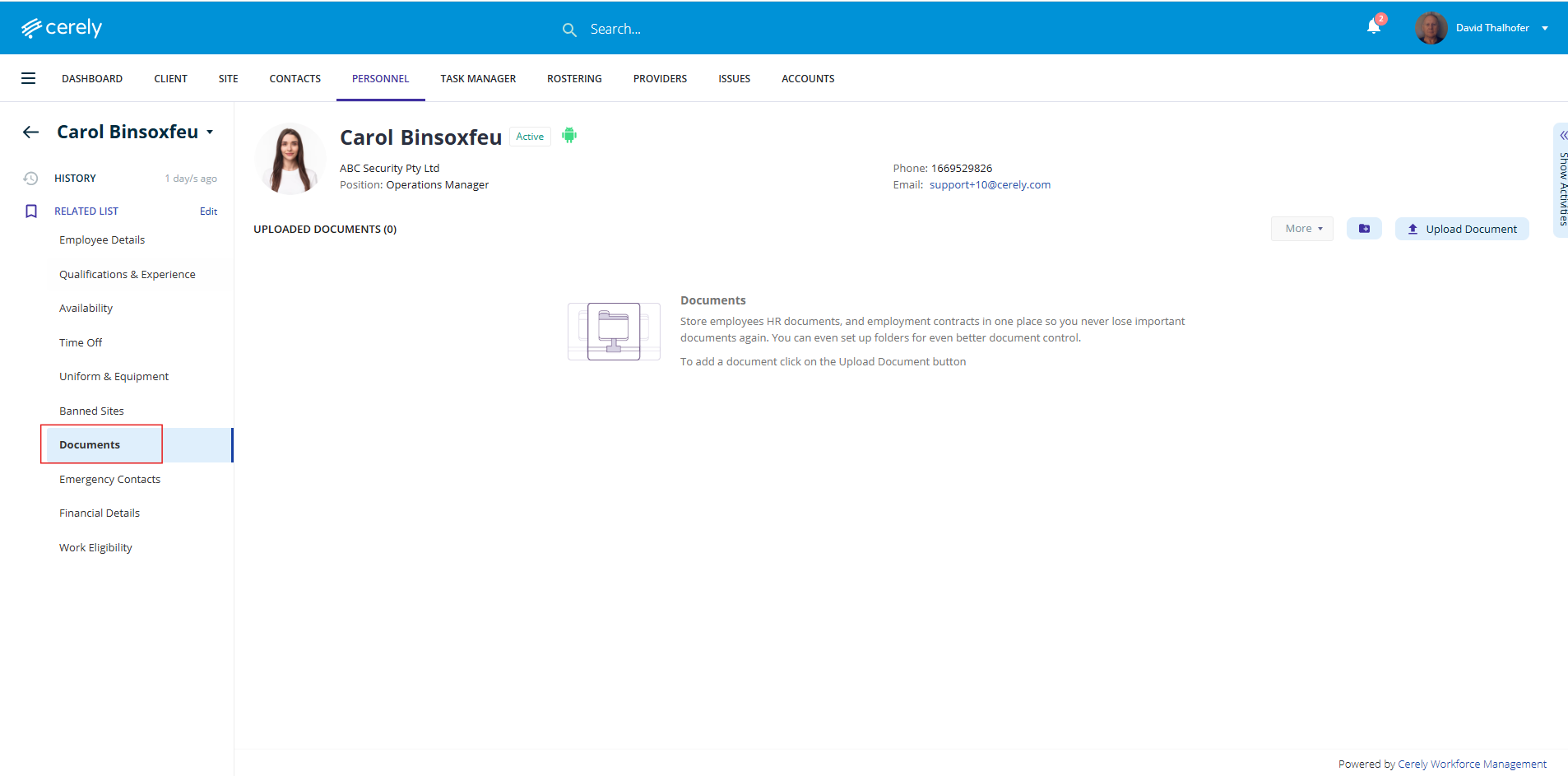
3. On the left-hand side menu of the employee’s profile, select Documents
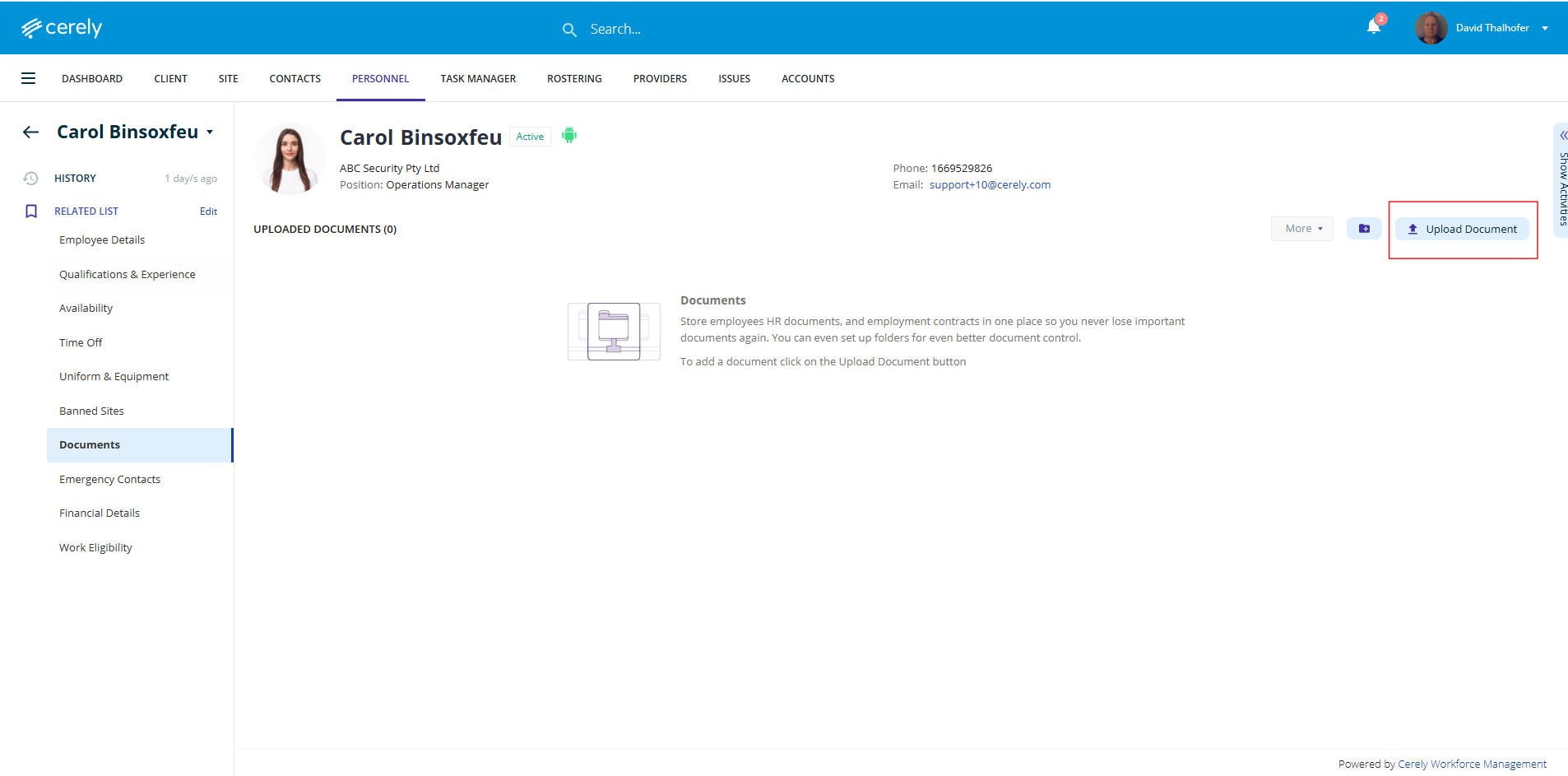
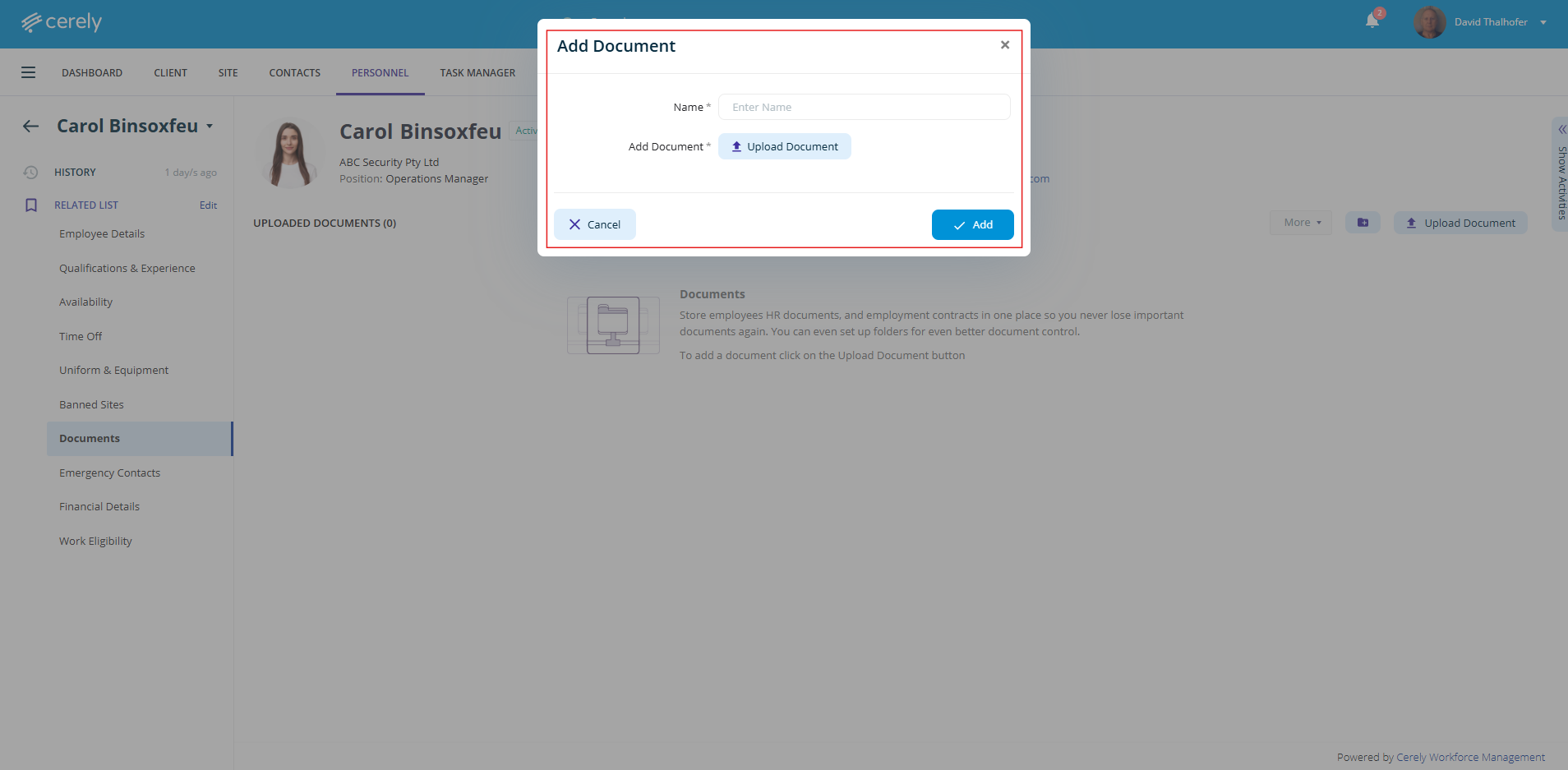
4. Click on Upload Document
- Enter the Document Name
- Click Upload and choose the file from your device
- Click Add to save the document to the employee’s profile
The document is now saved in the employee profile.